


Discover, compare, build
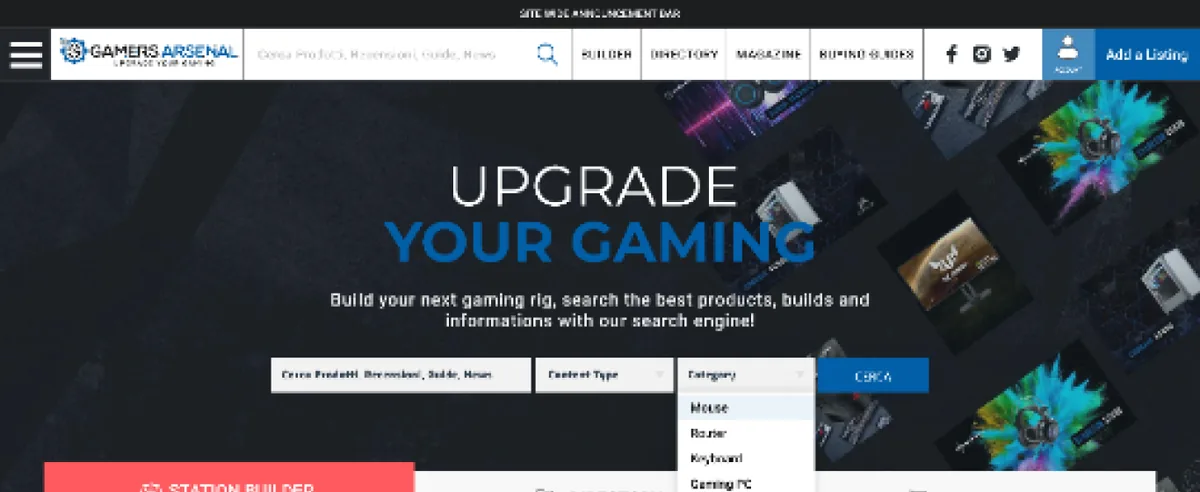
A destination for PC gamers that brings four things under one roof: a searchable hardware directory, a side-by-side product comparison, a full PC-build tool, and a tech magazine, so research, decision and purchase all happen in one place.
Category
- Web platform
- Tech directory
Pillars
- Directory & compare
- Builder & magazine
What we did
- UX & UI design
- Web design
Who uses it
- Members & contributors
- Visitors
The whole path from curiosity to checkout
Choosing PC hardware normally means bouncing between a shop, a spec sheet, a build calculator and a review site. Gamers Arsenal folds all four into one platform, so a gamer never has to leave to make a decision.

Four products that share one audience
A directory to discover parts, a comparison to weigh them, a builder to assemble a full rig, and a magazine to learn, each strong on its own and stronger together, because they hand the same user from one to the next.
What else lives on the platform?
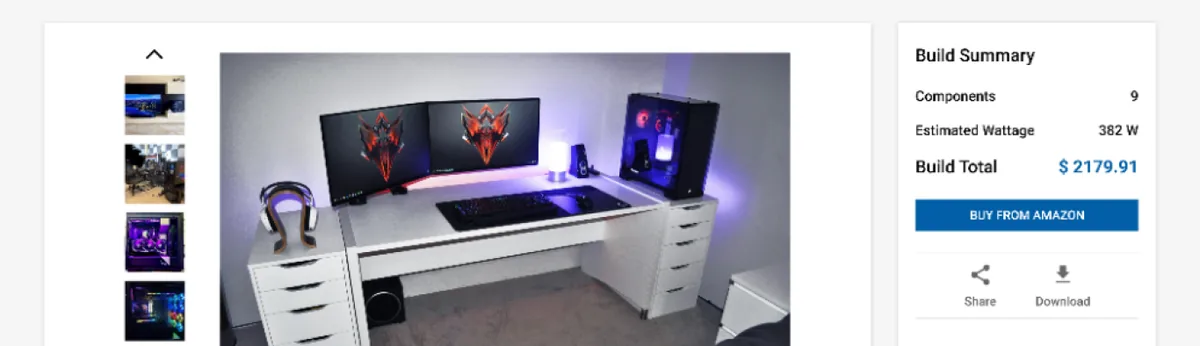
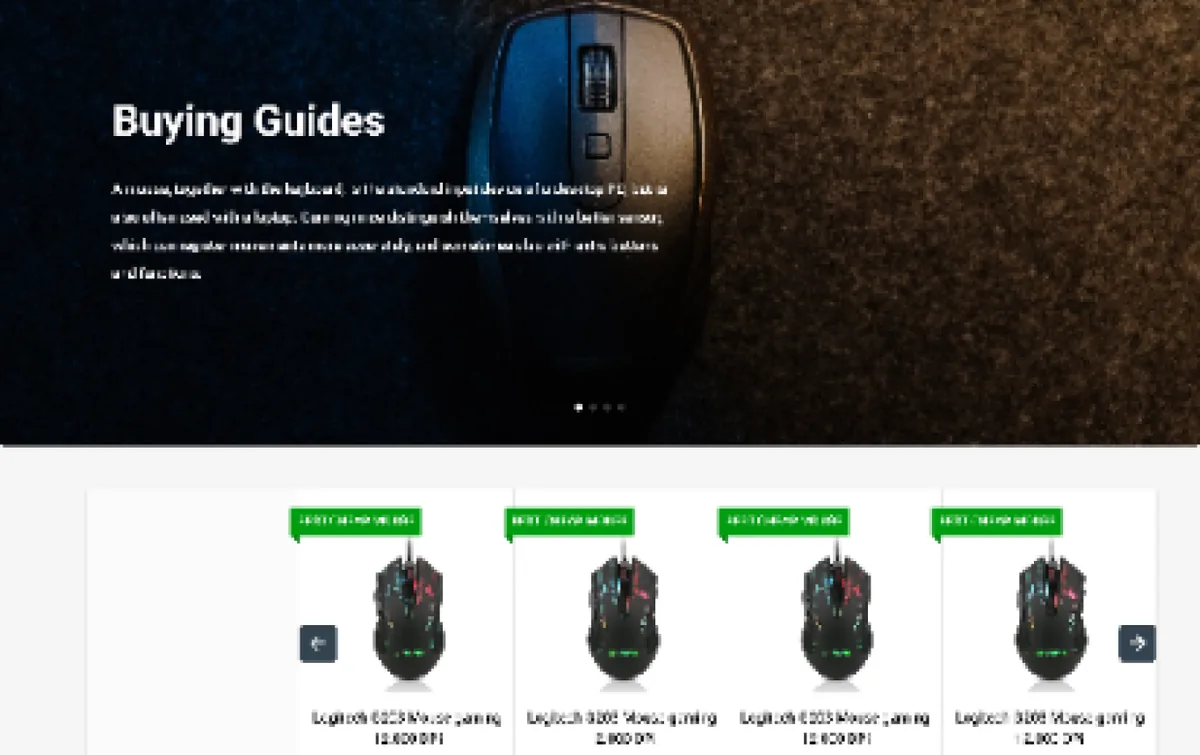
Beyond discovery and comparison, the platform carries a builder, a magazine and buying guides, each a real surface below.

How did we design and build it?
How do you choose between four near-identical parts?
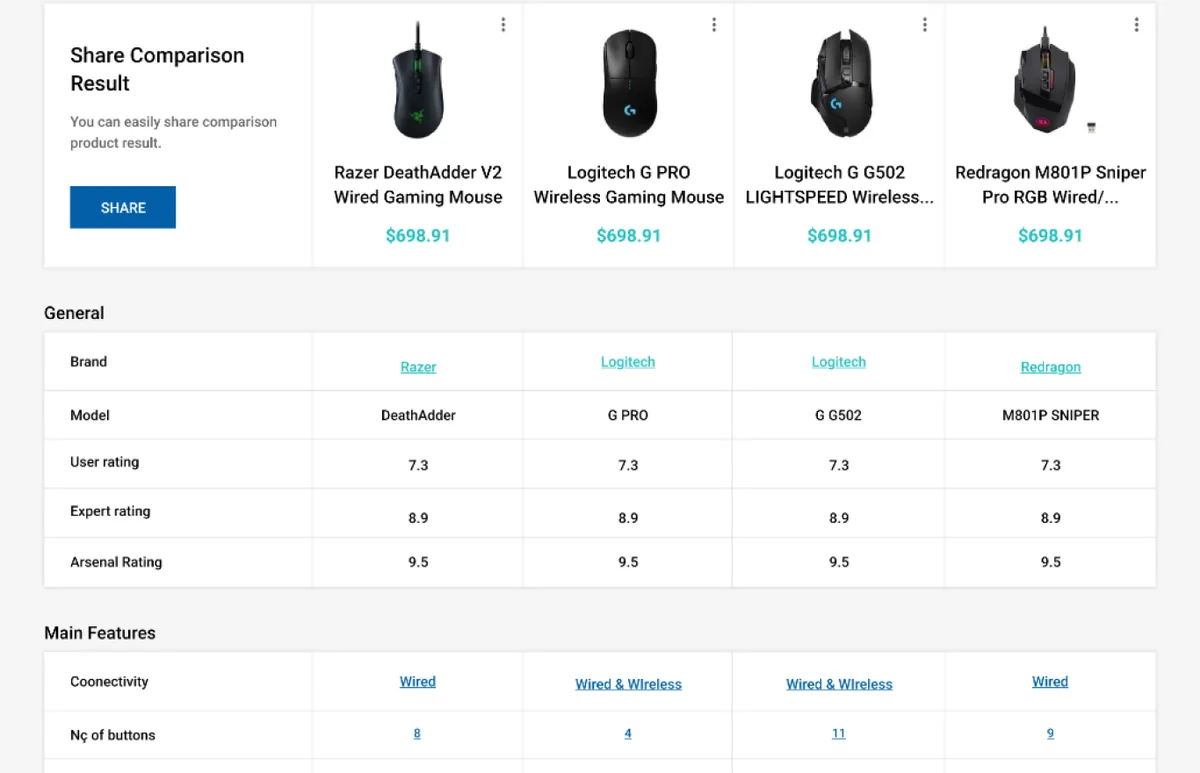
The comparison screen is where a buying decision actually gets made. It is dense on purpose, and every part of it earns its place. The pins below walk through what the screen is doing.
The comparison lays out as many as four products in parallel columns, each with its image, name and price at the top, so the eye can scan across.
A built comparison can be shared as a single result, so a recommendation travels as one link instead of four separate product pages.
Alongside separate user and expert ratings, a single composite Arsenal Rating gives a fast head-to-head verdict without reading every row.
Below the essentials, the products are compared feature by feature across grouped sections: main features, full specifications, connectivity, physical and warranty.
What does a discovery-and-editorial platform need?
These held true here and hold for any platform that has to take someone from curiosity to a confident purchase.
- One catalogue underneath everything. Directory, comparison and builder all have to read the same product data, or they drift apart and contradict each other.
- A comparison that ends debate. Side-by-side specs plus a single composite rating turn four near-identical options into a decision.
- Editorial that earns trust before the sell. Reviews, how-tos and buying guides are what make a recommendation credible rather than promotional.
- A reason to contribute. Letting members publish builds and reviews turns an audience into a source of the content the platform runs on.
- Handoffs between the pillars. The value is in moving a user from a guide to a comparison to a build without ever leaving the platform.
Building a discovery and editorial platform
The questions we hear first about platforms like this.
Ask us yoursHow long does it take to build a platform like this?
A platform with a directory, a comparison engine, a build tool and an editorial magazine is a multi-month programme, because it is really four connected products over one catalogue. The comparison and builder are the deep parts; the directory and magazine are more familiar. Phasing it so the catalogue and directory ship first keeps the build tractable.
What makes the product comparison work?
Density with structure. The screen lines up as many as four products in parallel columns and compares them across grouped specifications, then adds a single composite rating on top of the separate user and expert scores. That composite is what lets someone reach a verdict without reading every row, while the full grid is there when they want the detail.
Can users create their own content?
Yes. Members can assemble and publish their own PC builds and contribute reviews, which is what keeps a platform like this alive. A member profile collects their products, wishlist, builds and reviews, while visitors get the full read-only experience without an account.
How do the different sections fit together?
They share one catalogue and hand the user between them. A buying guide links to the products it recommends; those products can be dropped into a comparison; the comparison feeds a build; the build reads from the same directory. The point of one platform rather than four sites is that none of those handoffs leaves the page.
How much does a platform like this cost?
It depends on scope, and no honest number comes from a feature list. The biggest drivers are how deep the comparison and builder go, how large the catalogue is, and how much editorial and community functionality is in scope. Shanti Infosoft scopes it on a short call and returns a fixed quote.
Related work
Building a platform with more than one job to do?
Tell us how your business actually works and we will tell you honestly what it takes to build. See more of our work or what we do.
Book a 15-minute call