


Every shop, one directory
A location-based directory that pairs a browsing experience for shoppers with a self-service portal for the retailers. Buyers find stores by category and area; businesses keep their own listing, hours, gallery and offers current without ever emailing a request.
Category
- Local marketplace
- Retail directory
Surfaces
- Shopper app
- Retailer portal
What we did
- UX & UI design
- Mobile app
Who uses it
- Shoppers
- Retailers
One app, two audiences that never meet
Shoppers want to find the right store near them. Retailers want to be found and to say what is worth a visit right now. The app answers both, so neither side has to phone the other.
A directory that the retailers keep alive themselves
The shopper side is a clean browse-and-search experience over a live catalogue of businesses. The retailer side is a full management portal, so a listing is edited by the business that owns it rather than by a back office fielding change requests.
Why is a retail directory harder than it looks?
A directory nobody keeps current is worse than none at all. Three things decide whether it stays useful: the listings have to stay fresh, shoppers have to be able to find rather than only scroll, and a store page has to give a reason to actually go.
Personal details
ProfileThe business identity behind the listing: name, contact and address, edited by the retailer and shown to shoppers on the store page.
- Address
- Business identity
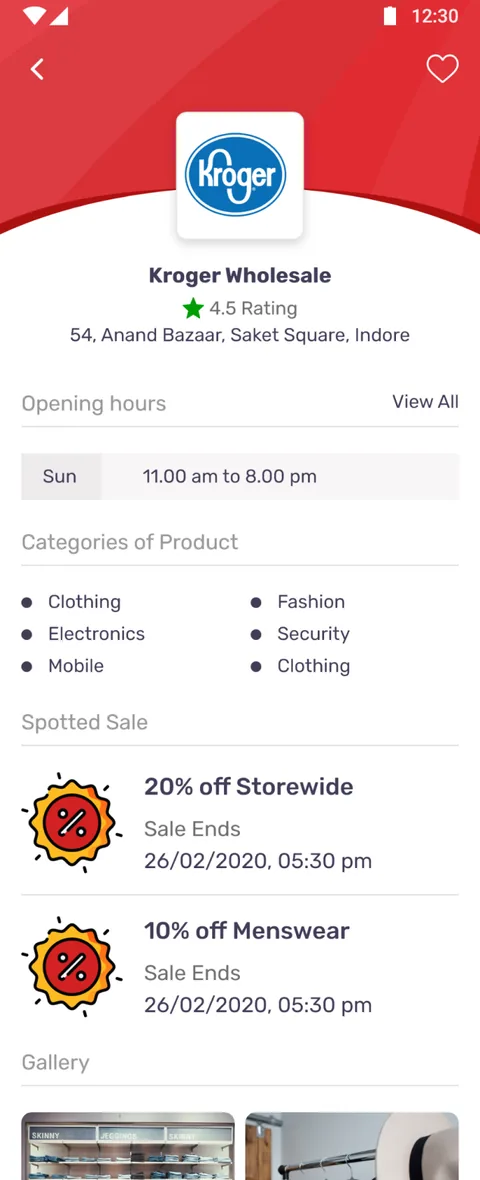
Opening hours
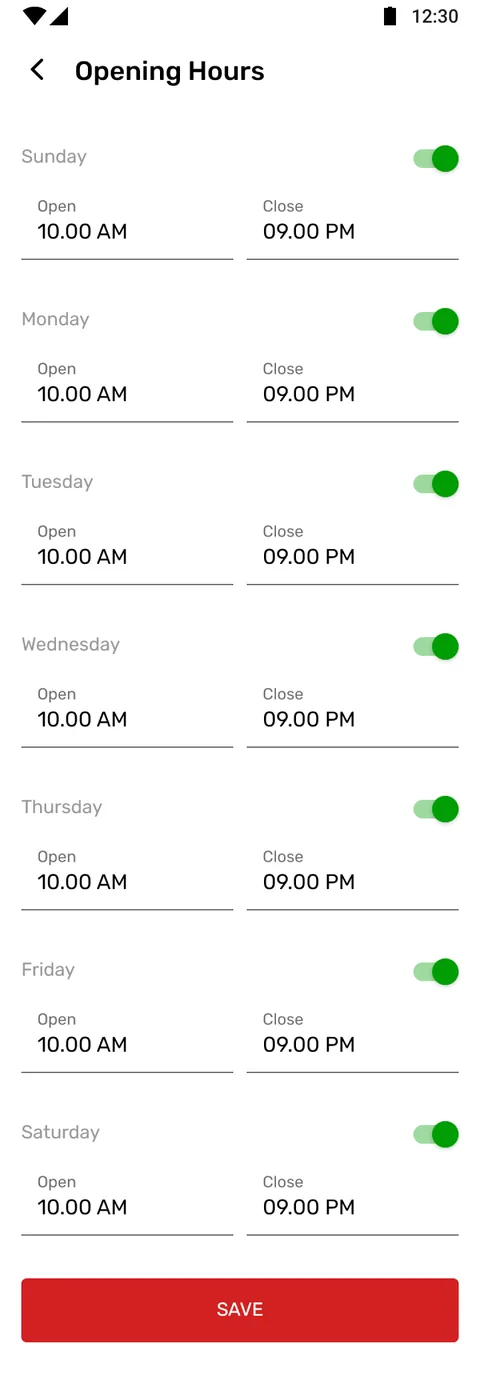
7 daysEach day carries an open and a close time with a per-day on/off toggle, so a closed day reads as closed rather than blank.
- Per-day toggle
- Open / close
Categories
Add & nestRetailers place themselves under product categories and add their own sub-categories, which is what the shopper's browse tree is built from.
- Categories
- Sub-categories
Facilities
Add newThe store lists the facilities it offers, each one addable from the portal, so shoppers know what to expect before they travel.
- Facility list
Gallery
PhotosA photo gallery of the storefront and stock gives a listing a face, so a shopper is choosing a place they can already picture.
- Storefront photos
Staff
TeamThe people behind the counter are part of the listing, managed alongside everything else the retailer controls.
- Team members
Spotted Sale
Time-limitedA retailer posts a sale as a percentage with an end date and time, and it surfaces on the store page while it is live.
- Sale %
- Ends at
How did we design and build it?
What does finding a shop feel like?
Every screen below is a real surface from the shopper app, in the order a buyer moves through them: set a location, browse a category, scan the retailer cards, open a store, search and filter, and keep a shortlist.
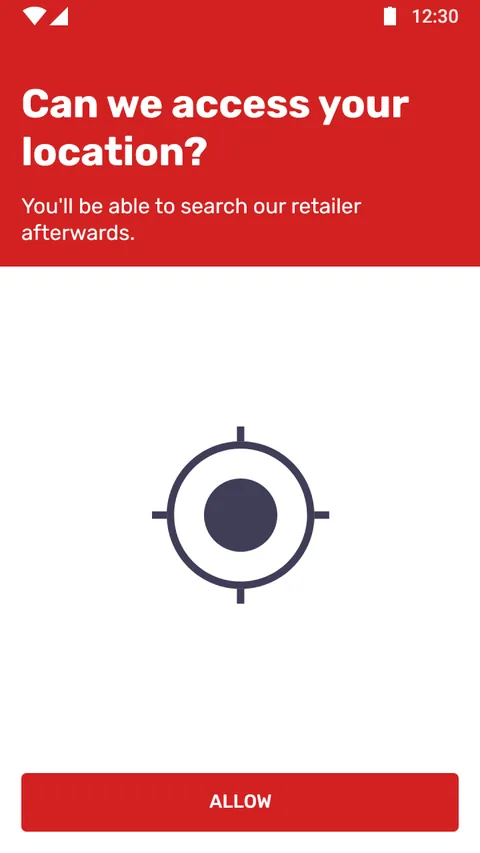
Set your location
Browsing is scoped to an area the shopper chooses, so results are places they can actually get to.
Browse by category
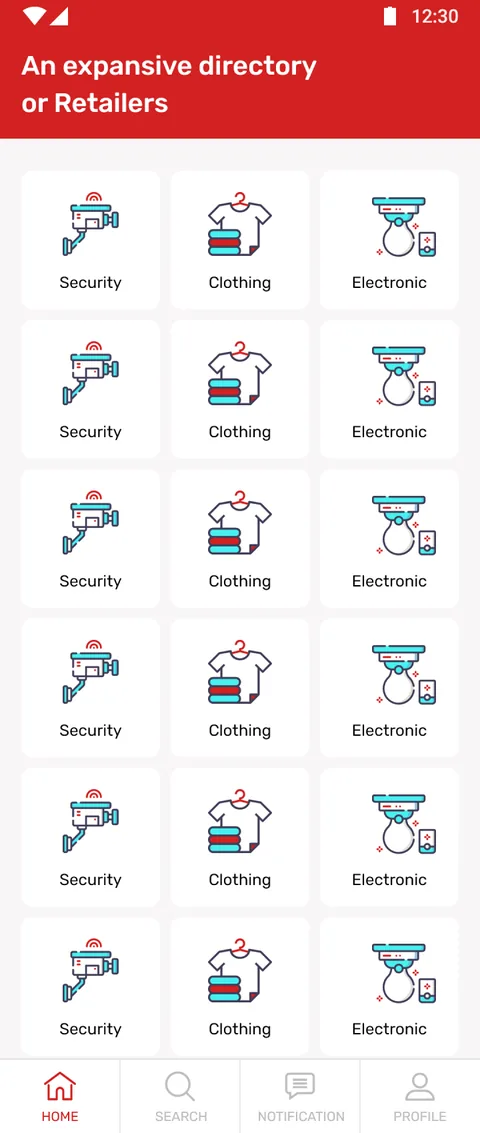
The home grid opens into categories and sub-categories, from clothing to electronics to security.
Scan the retailers
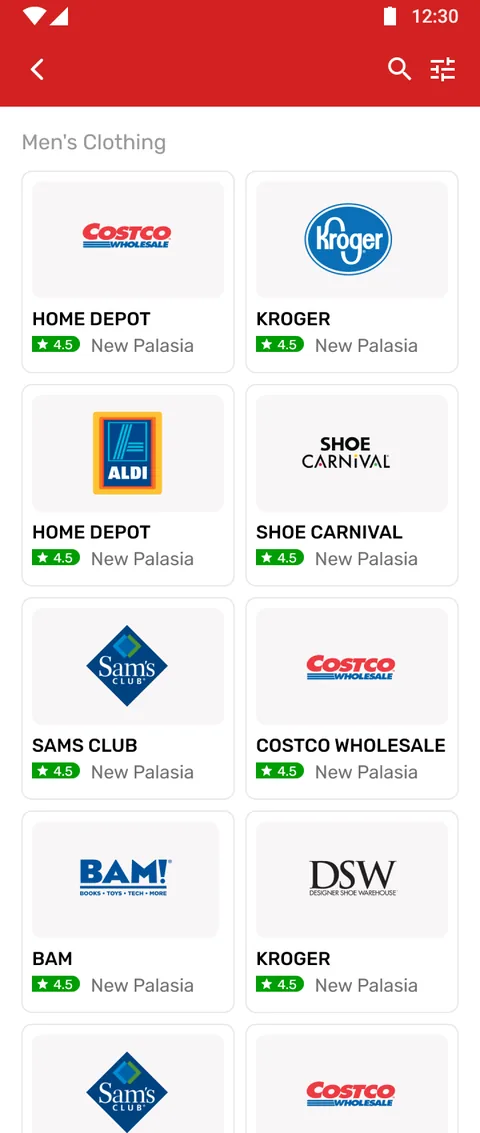
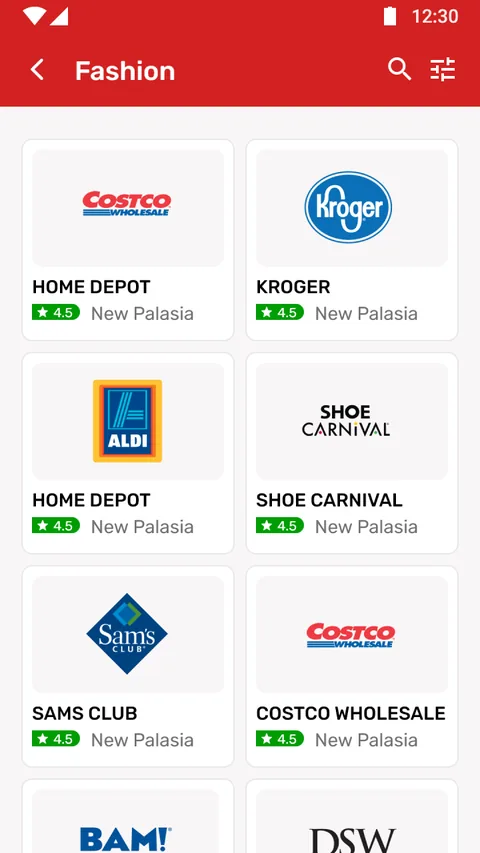
Stores in a sub-category appear as cards with their branding, rating and area at a glance.
Open a store
The detail page carries hours, product categories, current sales, a gallery, facilities and staff.
Search across stores
A direct search cuts past the category tree, with a clear no-listing state when nothing matches.
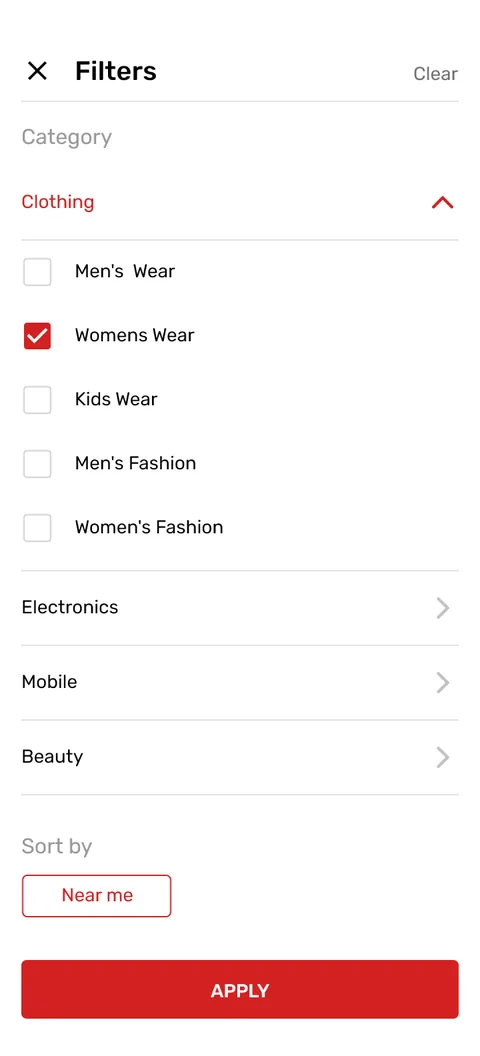
Filter the results
A filter sheet narrows a long list down to the stores worth the shopper's time.
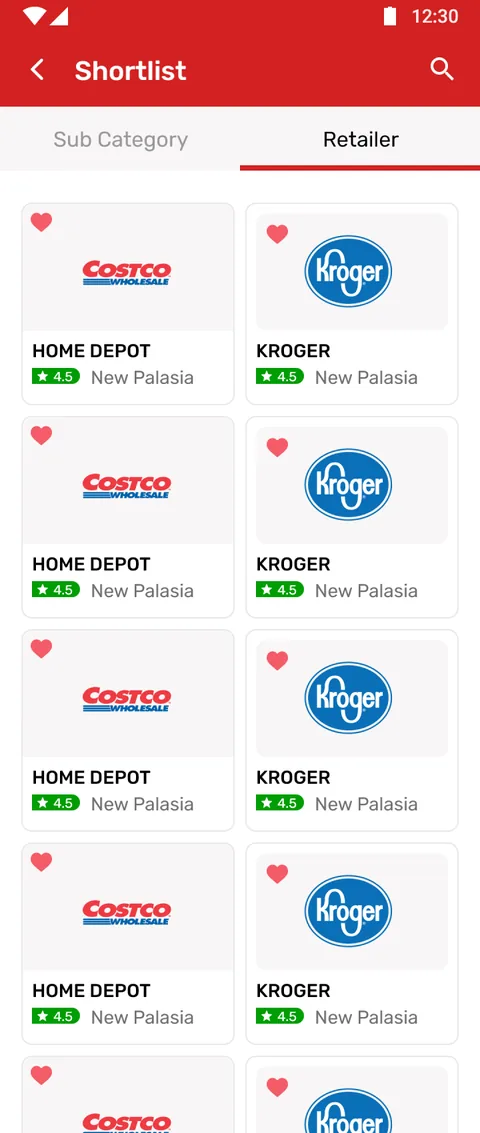
Shortlist for later
Shoppers save stores by sub-category and by retailer so a good find is not lost in a scroll.
What does any local marketplace app need?
These held true here and hold for any two-sided directory, whatever it lists.
- The supply side edits itself. If a back office has to action every change, listings go stale and the directory dies quietly.
- Location scopes everything. A result the shopper cannot reach is noise, so area is chosen before anything is browsed.
- Search sits beside browse, not instead of it. Intent-led shoppers search; curious ones browse; both need a clean empty state.
- A listing is a page, not a row. Hours, gallery, facilities and a live offer are what turn a directory entry into a visit.
- Saving matters. Shortlists by category and by store let a good find survive past the session it was made in.
Building a retail directory app
The questions we hear first about directory and marketplace apps.
Ask us yoursHow long does it take to build a retail directory app?
A two-sided directory of this shape, a shopper app plus a retailer self-service portal over a shared catalogue, is a multi-month programme rather than a few weeks. The count of listing fields matters less than how much the two sides diverge; here shopper and retailer are effectively two products, which is where most of the design and build effort goes.
Why does the retailer manage their own listing?
Because opening hours and offers change constantly. If every edit has to pass through a back office, the directory falls out of date and shoppers stop trusting it. Putting hours, categories, facilities, gallery, staff and sales in the retailer's own portal keeps listings fresh without a support queue in the middle.
What is the Spotted Sale feature?
It lets a retailer post a time-limited offer, a percentage with an end date and time, directly from their portal. While it is live it appears on the store page, giving a shopper a concrete reason to visit now rather than someday. When it expires it simply drops off.
Can a directory app support more than one city or area?
Yes. Because browsing is scoped by location from the first screen, the same platform extends to new areas by adding retailers there. The shopper only ever sees what is near the area they picked, so the catalogue can grow without the experience getting noisier.
How much does an app like this cost?
It depends on scope, and no one can quote it honestly from a feature list alone. The biggest drivers are how many listing fields the retailer portal manages and how far the shopper and retailer experiences diverge. Shanti Infosoft scopes it on a short call and returns a fixed quote.
Related work
Have a marketplace idea with two sides to it?
Tell us how your business actually works and we will tell you honestly what it takes to build. See more of our work or what we do.
Book a 15-minute call