


Scan it, order it
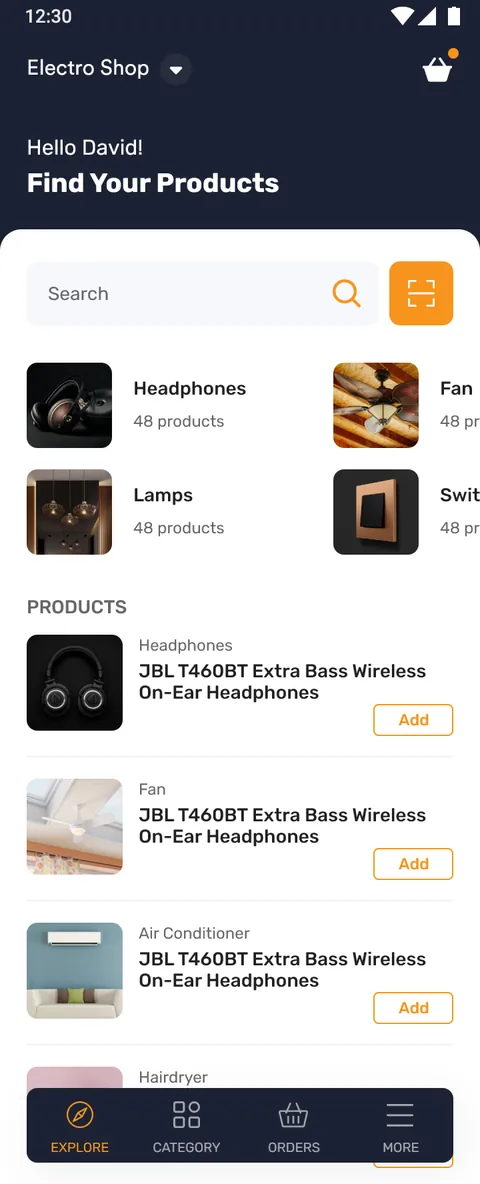
A mobile storefront for buying electrical equipment: a browsable catalogue of headphones, fans, lamps, switches and more, a barcode scanner for finding a part fast, and a checkout that works in the buyer's own language.
Category
- E-commerce
- Supply ordering
Type
- Mobile storefront
- iOS & Android
What we did
- UX & UI design
- Mobile app
Standouts
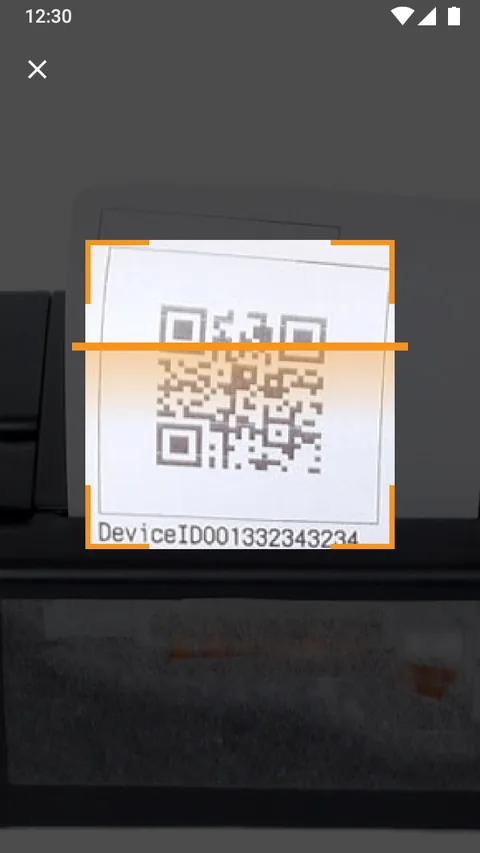
- Barcode scanner
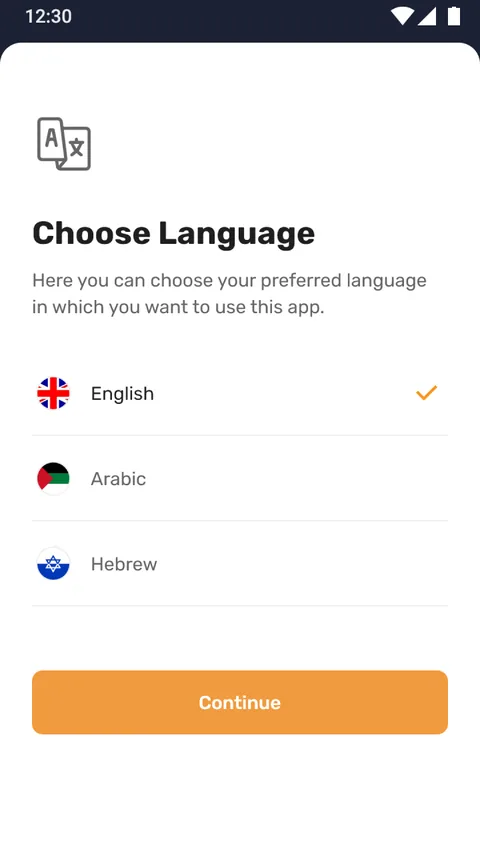
- Multi-language
Buying equipment should not need a phone call
Ordering electrical supply usually means a paper catalogue, a part number and a phone call. This app puts the whole catalogue, and a scanner that reads a device barcode, in the buyer's hand instead.
A catalogue you can search, scan and check out
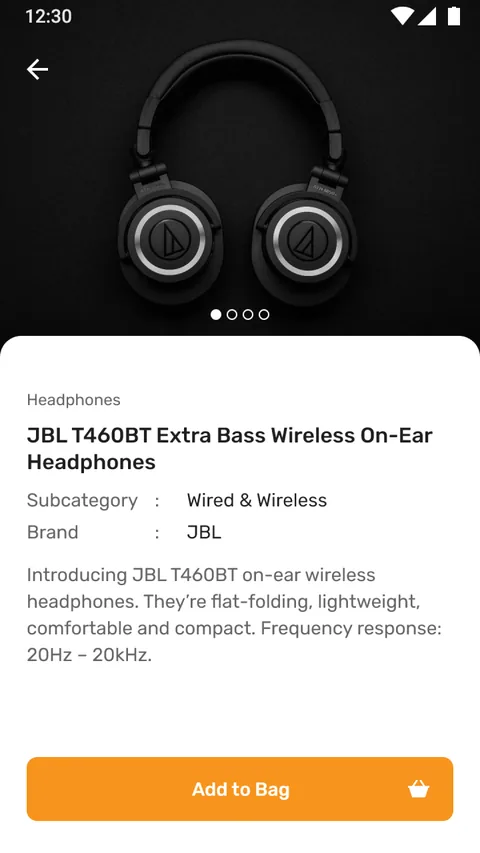
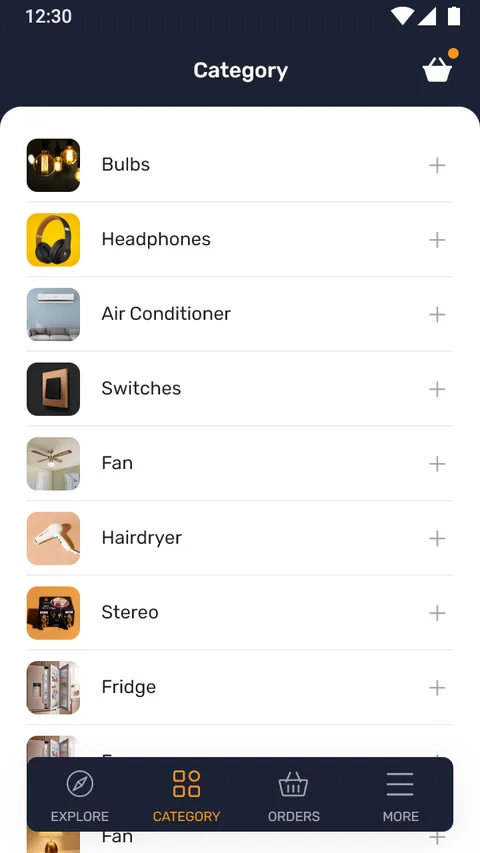
The storefront is organised the way a buyer thinks: categories of equipment, products within them, and a detail page carrying the subcategory, brand and specification. When the buyer already has the item in front of them, the scanner skips the browsing entirely.
Why is ordering electrical supply so slow?
The old way of ordering supply is built on paper and phone calls, and every step adds friction. The app was designed to remove three of them in particular: finding the right item, ordering it, and doing both without a language barrier.
| Buying electrical supply | Paper catalogue & phone | In the app |
|---|---|---|
| Finding a product | Flip through a catalogue or call to ask | Scan the barcode or search the catalogue |
| Understanding it | Whatever the printed spec says | Detail page with subcategory, brand and description |
| Language | Whatever the catalogue is printed in | Chosen up front, the whole app follows |
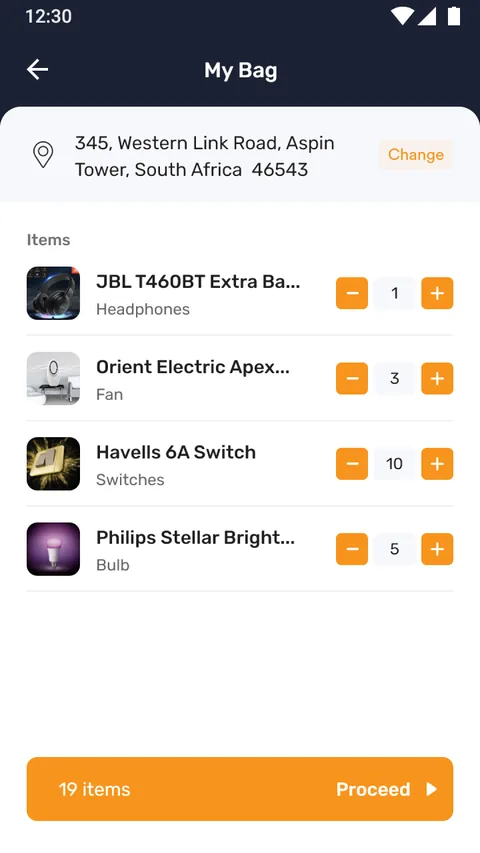
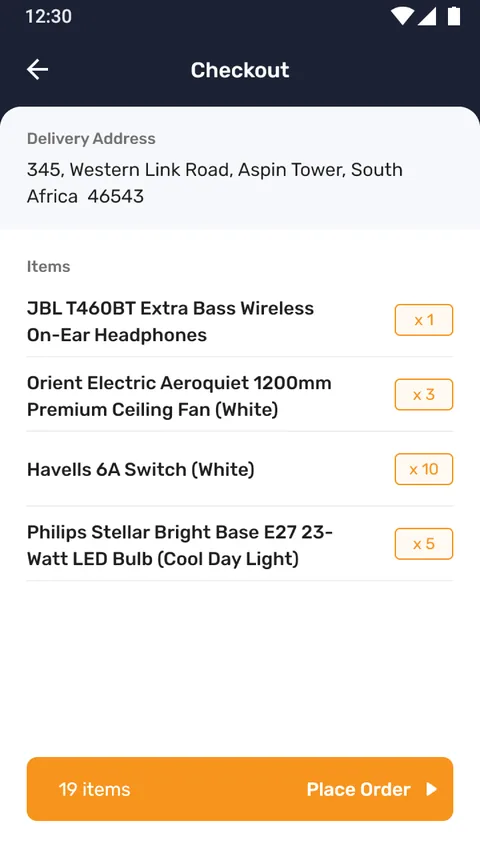
| Placing the order | Phoned through and read back | Cart, address and checkout with a clear total |
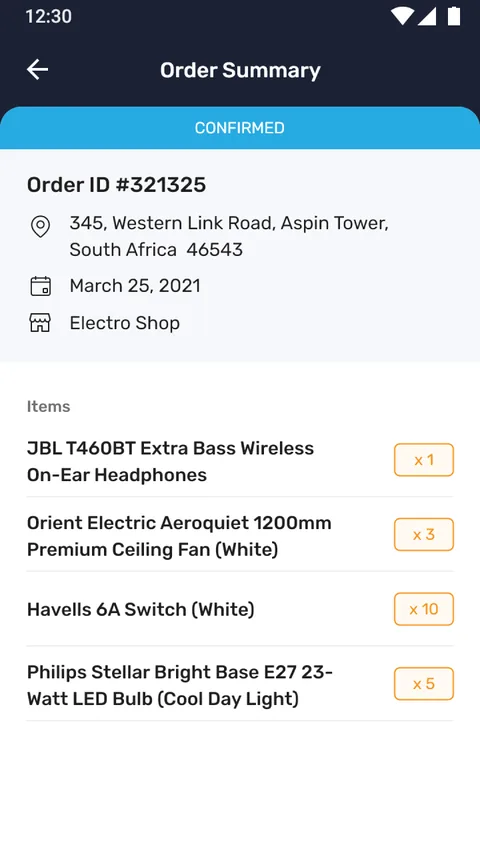
| Afterwards | Call to ask where the order is | Order list and detail, and reorder from history |
What does the buying flow look like?
From landing on the storefront to a placed order, every screen below is a real surface from the app.
How did we design and build it?
Building an e-commerce ordering app
The questions we hear first about building commerce apps.
Ask us yoursHow long does it take to build an e-commerce app?
A catalogue-driven storefront with cart, checkout, orders and a scanner is typically a few months rather than a few weeks. The catalogue structure and the checkout flow are the bulk of it; features like the barcode scanner and multi-language add scope but sit on top of that core once it is solid.
How does the barcode scanner help buyers?
It removes the slowest step in supply ordering: finding the right part. A buyer holding a device can scan its barcode and the app identifies the product and opens it directly, instead of hunting a part number through a catalogue. For repeat orders of known items it turns minutes into seconds.
Can an ordering app support more than one language?
Yes, and this one does. The buyer chooses a language up front and can change it later, and the whole storefront, from categories to checkout, follows that choice. For supply buyers who do not all read the same language, that is often the difference between an order placed and an order abandoned.
Does it handle the full order lifecycle?
It does. Beyond browsing and the cart, it covers address entry, checkout with a clear total, order confirmation, an order list and order detail, and reordering from history, with honest empty states for an empty cart or no orders yet.
How much does an e-commerce app cost to build?
It depends on scope, and no honest figure comes from a feature list alone. The biggest cost drivers are catalogue size and complexity, whether payments and multi-language are in scope, and extras like a barcode scanner. Shanti Infosoft scopes it on a short call and returns a fixed quote.
Related work
Selling from a catalogue that lives on paper?
Tell us how your business actually works and we will tell you honestly what it takes to build. See more of our work or what we do.
Book a 15-minute call