


Every request in one app
A resident and tenant app for a property development firm: browse residential, commercial, industrial and retail listings, then lodge applications, inspections, maintenance jobs and queries - each tracked to a decision, each with its own chat.
Sector
- Property & real estate
Product
- Resident & tenant app
Listings
- Residential, commercial, industrial, retail
Roles
- Tenant
- Owner
- Agent
- Worker
What is the Pacific Palm Property app?
A property development firm runs on requests - who wants to view a unit, who has applied, whose tap is leaking, who is asking a question. This app is the single place those requests are lodged, tracked and answered.
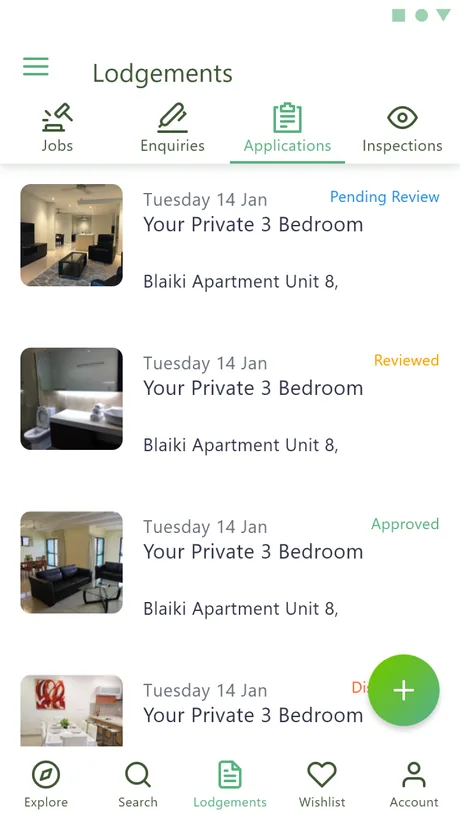
One 'Lodgements' hub for every kind of request
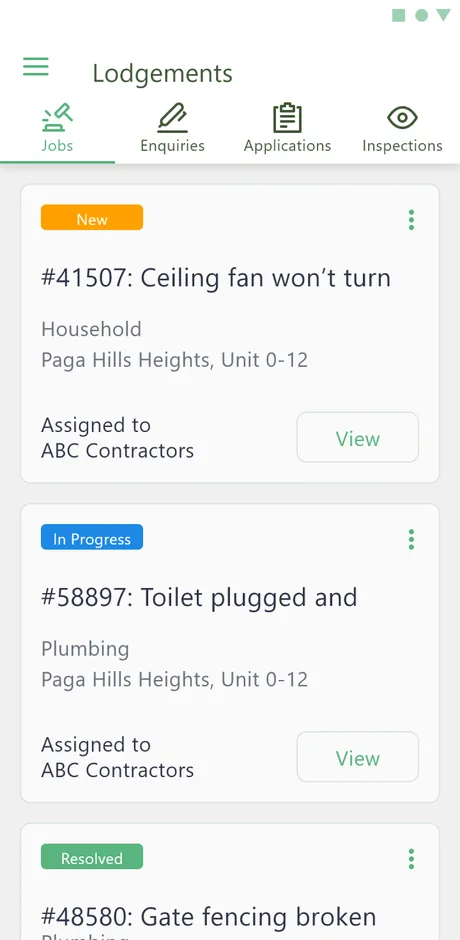
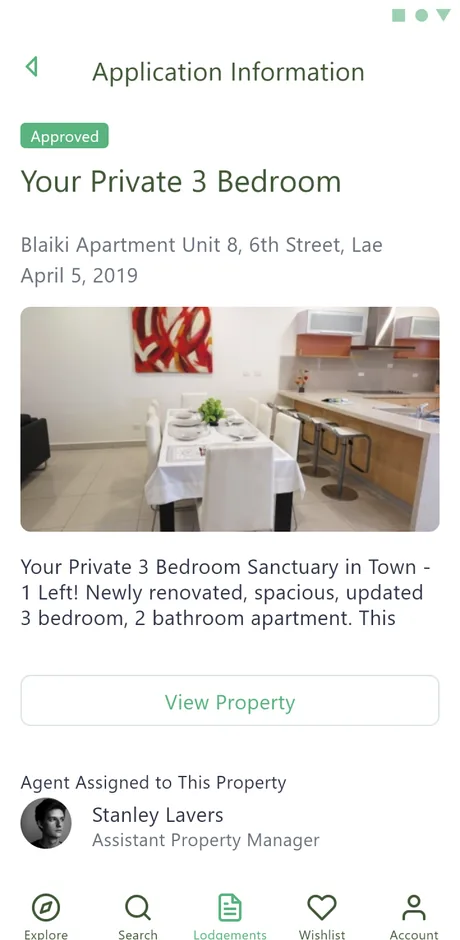
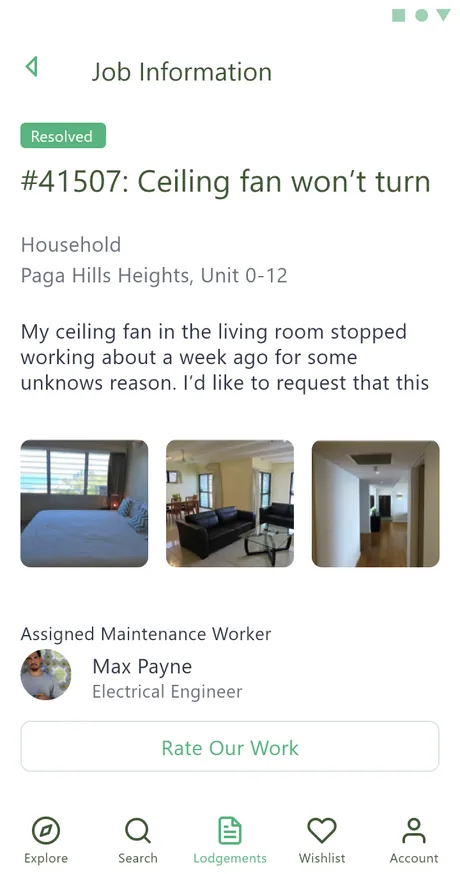
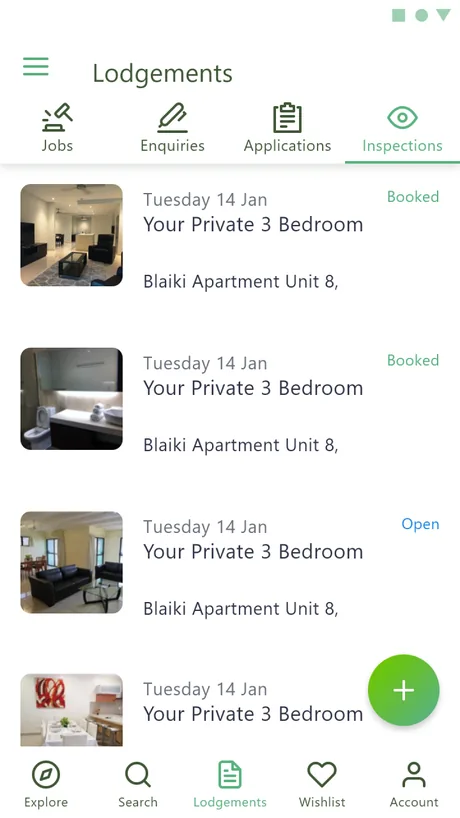
Rather than four separate apps, everything a resident or prospect needs to raise lives under one hub - jobs, enquiries, applications and inspections - each item carrying a status and a conversation from the moment it is opened.
Why does a property firm need its own app?
Tenants email, call and message on whatever channel is nearest, and the firm loses track of which request is where. The app pulls every one of those threads into a structured, status-bearing workflow.
| Handling a request | Phone, SMS and email | In the app |
|---|---|---|
| Raising it | Whatever channel is to hand | A typed lodgement with a category |
| Knowing its state | Ask again, or chase | A status on the card |
| The conversation | A separate message thread | Attached to the lodgement itself |
| Inspections | Arranged by call | Booked and tracked in-app |
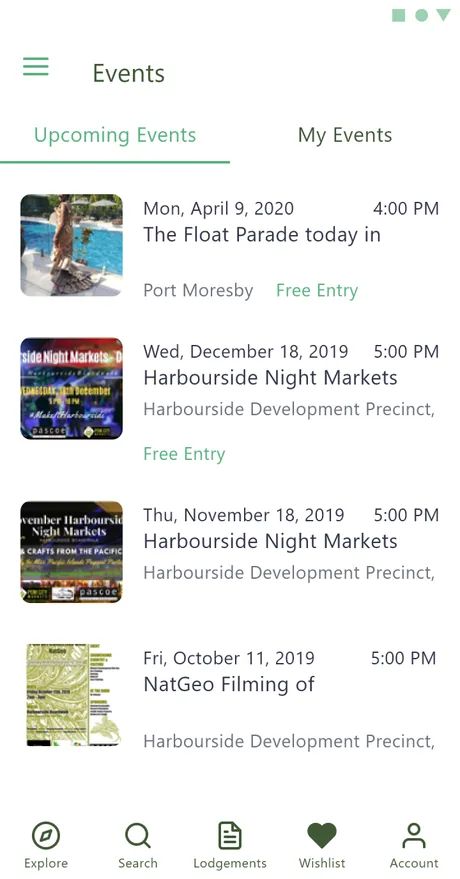
| Firm updates | A missed email | News, events and notices in one feed |
The surfaces a resident moves through
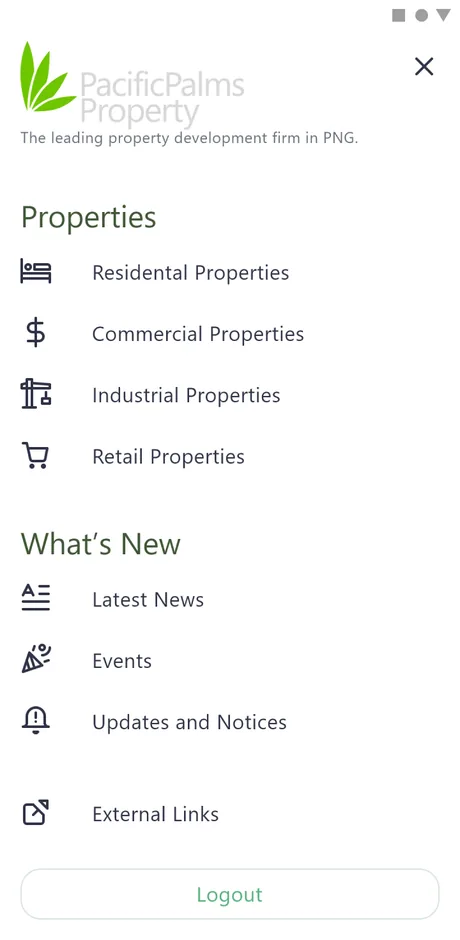
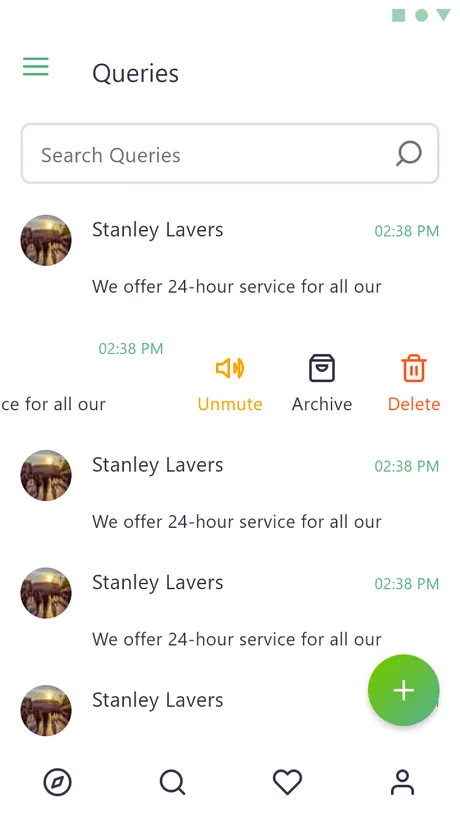
From the property menu to the lodgement hub and the firm's news feed, every screen is designed for a thumb and a quick, single-handed check.
What does a lodgement conversation look like?
Every job card, application, inspection and query carries its own chat thread, so the discussion lives on the record it belongs to. This is how a maintenance job runs start to finish.
The transcript demonstrates the app's in-thread messaging; it is a walkthrough of the feature, not a record of a real tenancy.
Who is on the other side of a lodgement?
The same property looks different to each party acting on it. The app gives every role its own surface - the screen it lives in and the actions it is allowed - over one shared record.
What does the app look like, and why?
The palm-leaf brand green carries every action and active state, over a deep forest ink for headings and a soft green-tinted paper. It reads as calm and outdoorsy - closer to a property brochure than a utilities portal, which is the register a development firm wants.
Aa
Primary typeface
Poppins
A B C D E F G H I J K L M N O P Q R S T U V W X Y Z
a b c d e f g h i j k l m n o p q r s t u v w x y z
0 1 2 3 4 5 6 7 8 9 & ? ! £ $ €
26pxScreen titleTitle18pxCard headingH315pxList item & bodyBody13pxTAB & STATUS LABELSLabelA single Poppins family runs the whole app - semibold for screen titles and cards, regular for the dense lodgement lists. Poppins is an open-licence typeface; the specimen falls back to the nearest available face if it is not installed on your device.
Building a property management app
What property firms ask us first when they want an app like this one.
Ask us yoursHow long does it take to build a property management app?
A resident-facing app with listings, a lodgement workflow, status tracking and in-app chat typically takes three to five months. The count of distinct request types - applications, inspections, jobs, enquiries - and the number of roles acting on them move the date more than the visual design does. We ship the tenant side first, then the agent and worker tools around it.
How much does an app like Pacific Palm Property cost?
It depends on scope, and no honest figure comes off a feature list alone. The biggest drivers are how many lodgement types and user roles are in scope, whether inspections and maintenance dispatch are included, and whether it connects to an existing property database. Shanti Infosoft scopes it on a short call and returns a fixed quote.
Can each request type carry its own chat?
Yes, and that is the core idea here. Applications, inspections, job cards and queries each have a chat thread attached to the record itself, so the conversation and the item it is about are never separated across a general messaging inbox.
Does it handle different property types?
It does. The app organises listings into residential, commercial, industrial and retail classes from the main menu, and the same lodgement and inspection workflows run across all of them.
Is there an admin side to this?
There is. The firm's staff publish news, events, notices and documents, manage users and workers, and answer enquiries through a separate back-office portal that pairs with this resident app.
Related work
Building a resident or tenant app?
Tell us how your business actually works and we will tell you honestly what it takes to build. See more of our work or what we do.
Book a 15-minute call