


Delivered to your ship
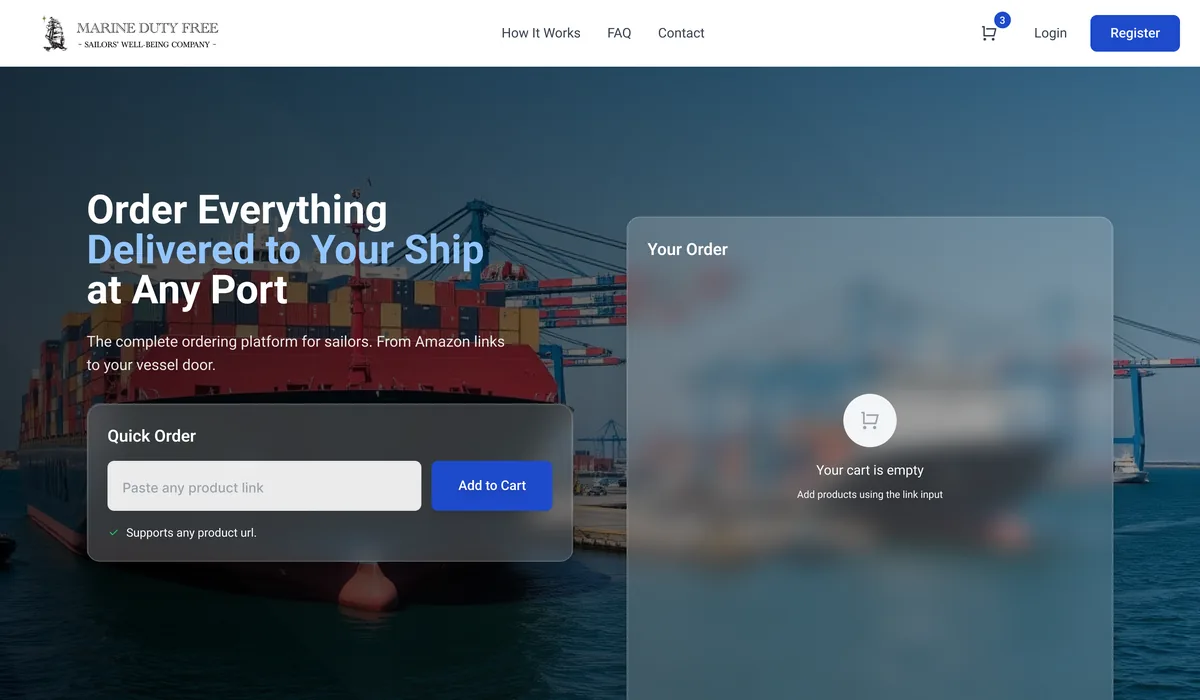
Marine Duty Free is an ordering platform for sailors. Paste any product link, add the vessel and its destination port, and the order is delivered to the ship where it lands — shore shopping rebuilt around a vessel's arrival instead of a home address.
Sector
- Maritime provisioning
Product
- Link-based ordering platform
What we did
- UX + UI design
- Web app design
Persona
- Sailors / vessel crew
What is Marine Duty Free?
Marine Duty Free is an ordering platform for sailors. Paste any product link, add the vessel and port, and the order is delivered to the ship — turning shore shopping into a single flow built around a vessel's arrival.
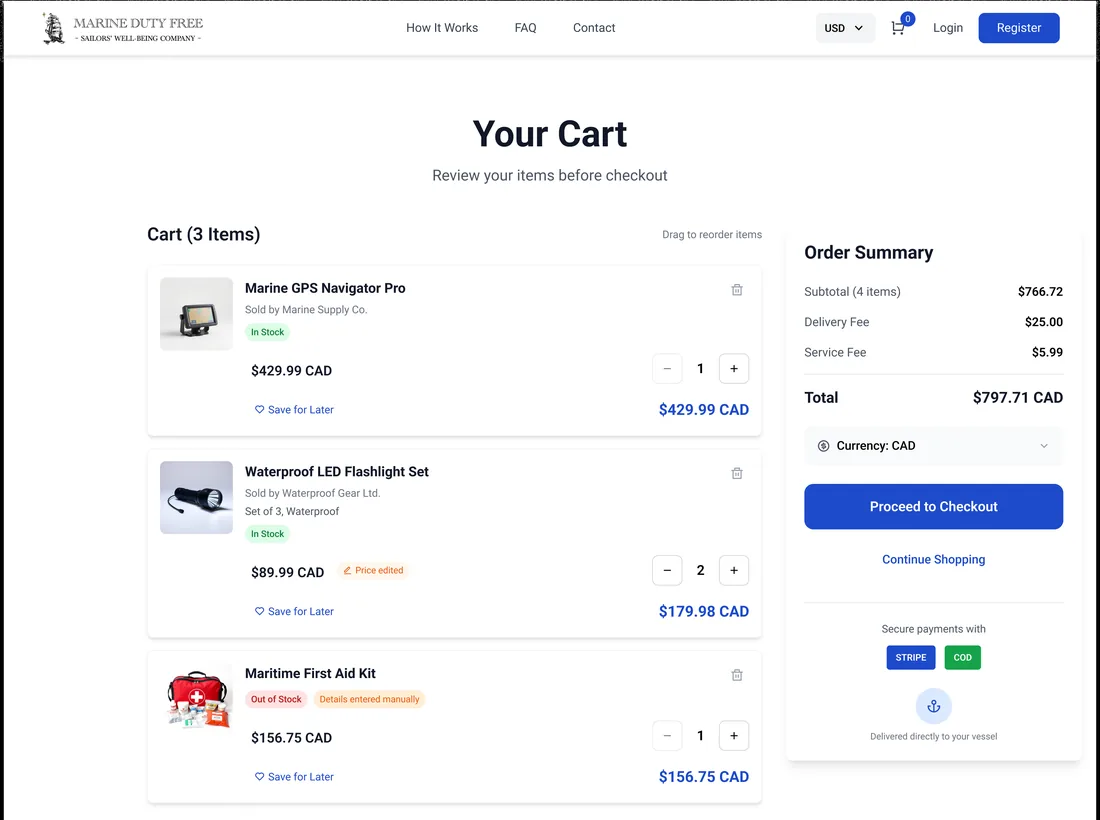
Order anything, receive it at port
A crew member rarely has time ashore. The platform lets them order from a link they already have, in their own currency, and pay however suits — then it routes the delivery to the vessel at its next port.
Why is provisioning a vessel so hard from shore?
A ship's crew has narrow shore windows, changing ports and no fixed address to ship to. Ordinary online shopping assumes none of that. Marine Duty Free is built around the vessel instead of a buyer's doorstep.
| Provisioning a vessel | Shopping ashore | On Marine Duty Free |
|---|---|---|
| Placing the order | Walking shops in a short port call | Paste a product link from anywhere |
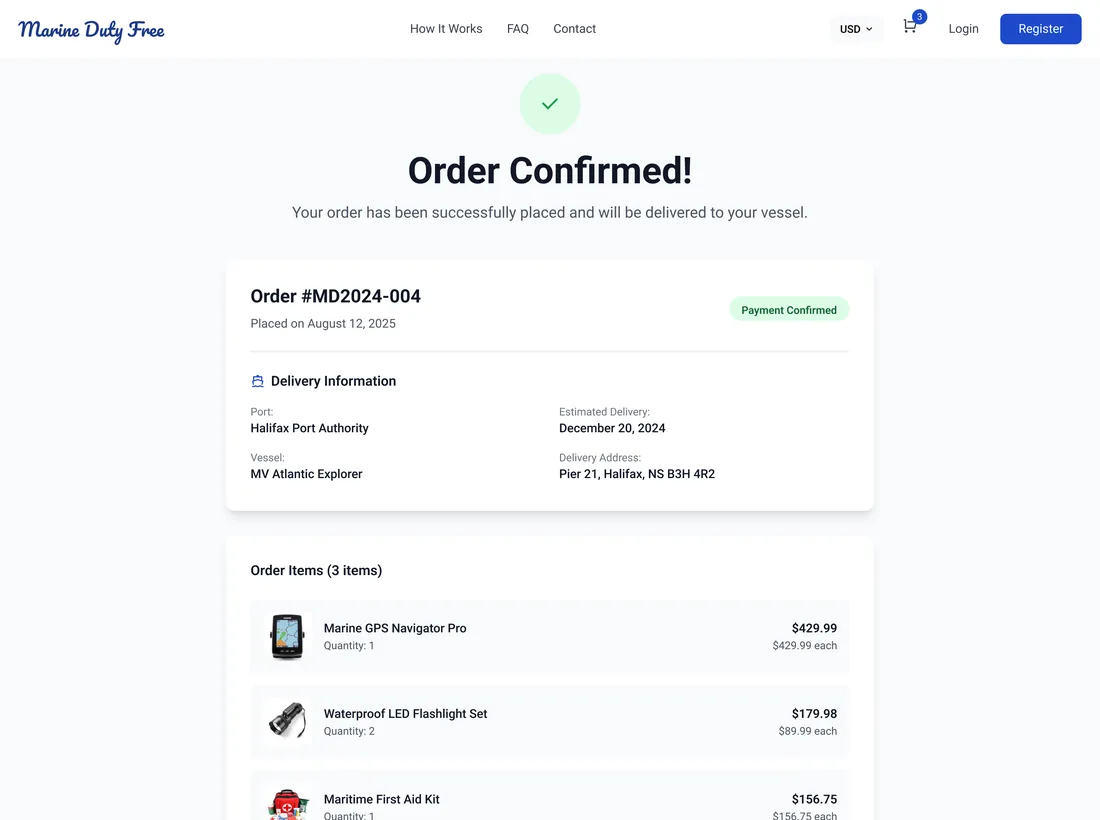
| Where it ships | A fixed home address | The vessel's port, address and ETA |
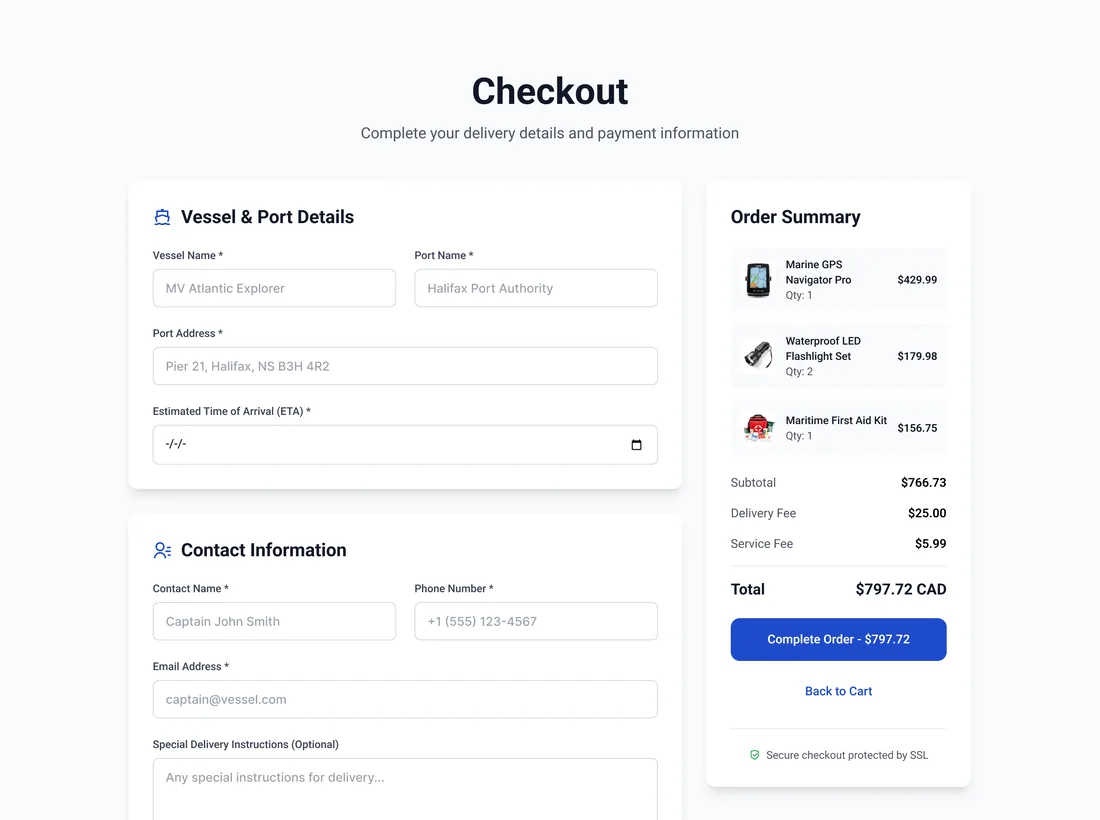
| Handling many items | A separate order per store | One multi-vendor cart with save-for-later |
| Paying | Each store's own checkout | Card via Stripe or cash on delivery |
| Currency | Whatever the store charges | Priced in CAD or USD, fees shown |
| Getting it | Hoping it arrives before you sail | Delivered to the ship at its port |
What does ordering to a vessel look like?
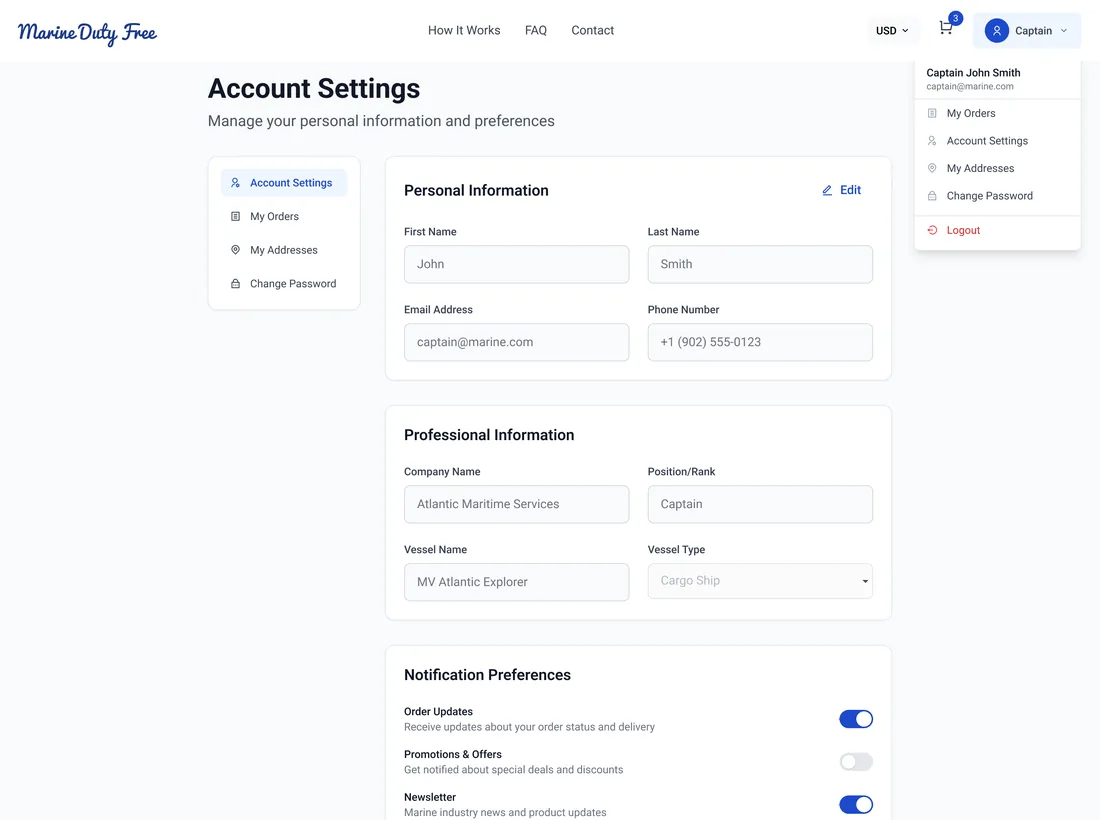
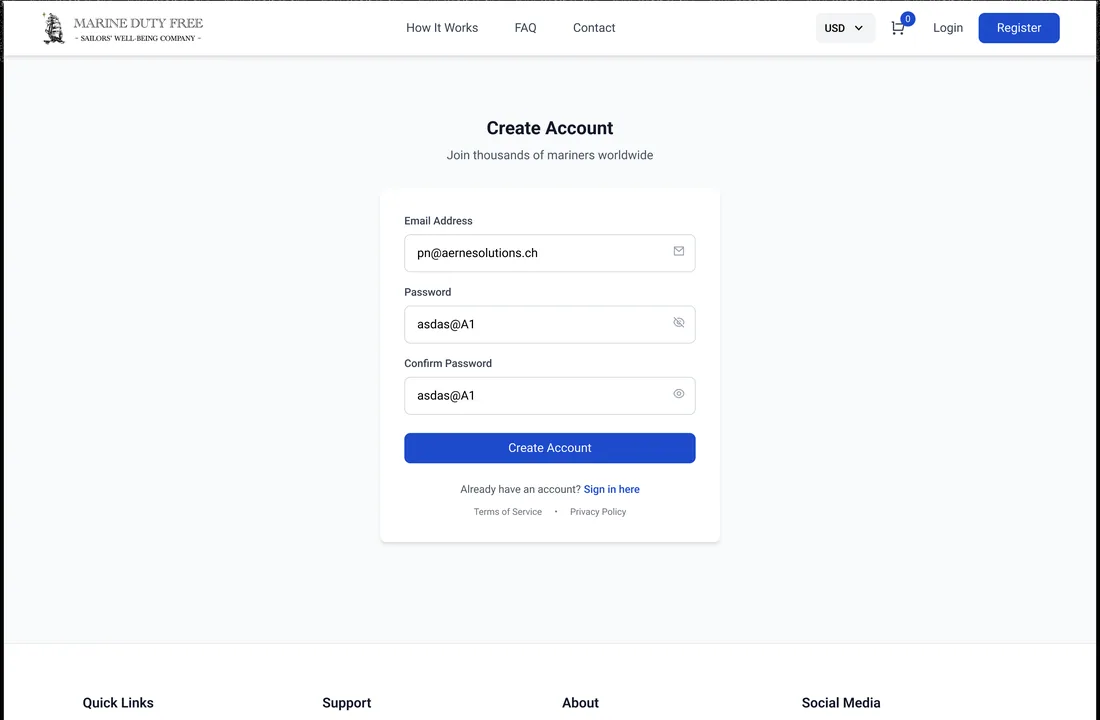
From a filled cart to a confirmed delivery — every step keeps the vessel, the port and the payment in view.
How does an order reach a ship at port?
Four steps turn a product link into a delivery waiting at the dock. It is the whole promise of the platform: a sailor orders from anywhere, and it meets the vessel where it lands.
- 01
Paste any product link
Copy a product link and paste it into the quick-order box; the item is pulled straight into the cart.
Sailor - 02
Enter vessel details
Add the vessel name, destination port, port address and estimated time of arrival.
Sailor - 03
Pay securely
Choose card payment through Stripe or cash on delivery, priced in the chosen currency.
Sailor - 04
Receive at port
The order is confirmed and delivered directly to the vessel at its specified port.
Platform
Scroll the path sideways
What does a vessel-provisioning platform need to get right?
Six things separate a store a ship's crew will actually use from a normal checkout that assumes a home address. They came out of building Marine Duty Free and hold for any deliver-to-a-moving-target commerce.
- Order from a link, not a catalogue. A sailor wants a specific product they already found, so pasting a link beats browsing a limited store.
- The vessel and port as the address. Delivery has to key off a vessel name, port and ETA — a street address the ship never sits at is useless.
- One cart across many vendors. A single order routinely spans several suppliers, so the cart and totals must hold them together.
- Payment that fits a crew. Card through a processor and cash on delivery both matter when a buyer is at sea between ports.
- Prices in the crew's currency. Showing the total and fees in the buyer's currency avoids a nasty surprise at a foreign port.
- A confirmation that names the delivery. The receipt should state the vessel, the port and the arrival, not just an order number.
Building a maritime ordering platform
The questions ship operators and crew ask us first, answered plainly.
Ask us yoursHow does ordering supplies for a ship at port work?
The crew member pastes a product link into a quick-order box, which pulls the item into a cart. At checkout they add the vessel name, destination port, port address and estimated time of arrival, then pay by card or cash on delivery. The order is confirmed against that vessel and delivered directly to the ship at the specified port.
Can crew order any product, or only from a set catalogue?
The platform is built around pasting a product link rather than browsing a fixed catalogue, so a sailor can order the specific item they have already found. Items can also be entered manually when a link needs a hand, and several suppliers can sit in the same cart with a single order summary.
How is delivery handled when a vessel keeps moving?
Delivery keys off the vessel and its port, not a home address. Each order captures the vessel name, destination port, port address and ETA, so the platform routes the delivery to where the ship will be. The confirmation restates the port, vessel and estimated delivery so the crew knows exactly where and when to expect it.
What payment methods does a maritime ordering platform need?
Both a card processor and cash on delivery, because a crew between ports cannot always rely on one. Marine Duty Free takes card payments through Stripe or cash on delivery, prices the order in CAD or USD, and shows the delivery and service fees in the order summary before the order is placed.
Can crew order in their own currency?
Yes. The cart and checkout carry a currency toggle between CAD and USD, and the subtotal, delivery fee, service fee and total are all shown in the chosen currency. Stating the full price and fees before checkout avoids the crew being surprised by a conversion at a foreign port.
More of what we do
Selling to customers a normal checkout can't reach?
Tell us how your business actually works and we will tell you honestly what it takes to build. See more of our work or what we do.
Book a 15-minute call