


Goals kids finish
A family platform that turns 'do your homework' into a goal a child can see, work towards and be rewarded for. Parents set the goals and the missions that ladder up to them; children complete the missions from a playful dashboard of their own and redeem the points they earn.
Audience
- Parents
- Children
Surfaces
- Web dashboards
- Companion app
- Public site
What we did
- UX & UI design
- Front-end build
Category
- Parenting
- Behaviour & rewards
What is Goalstar Rewards?
A family platform that gives a child something a sticker chart never can: goals they can see, missions that ladder up to them, and rewards they actually get to choose. Parents run the setup and the approvals; children do the work and spend the points.
Two audiences, one reward loop
Parents and children use the same platform from opposite ends. Parents configure goals, missions and rewards and approve completed work; children get a bright dashboard of their own where the missions, points and rewards live.
Why is motivating a child so hard to systematise?
Sticker charts on the fridge fall apart because they hold none of the state that makes a reward feel earned. A platform has to carry goals, missions, approvals, points and payouts for two very different users at once.
| Motivating a child | A sticker chart on the fridge | In Goalstar Rewards |
|---|---|---|
| Setting a goal | A vague promise | A dated goal with missions that ladder into it |
| Tracking a task | A sticker, if someone remembers | A mission with a status: upcoming, done or missed |
| Checking it happened | Taken on trust | A parent approval step before points are earned |
| Rewarding it | Pocket money, renegotiated each time | Points with a set value, redeemed from a catalogue |
| Keeping a child engaged | Interest fades within a week | A themed dashboard, badges and a running points balance |
| Handling a slip | A telling-off | Penalties recorded in the child's own view |
What does it look like in use?
The screens a family actually touches, from the child's dashboard through to the rewards they redeem.
Goals & Missions
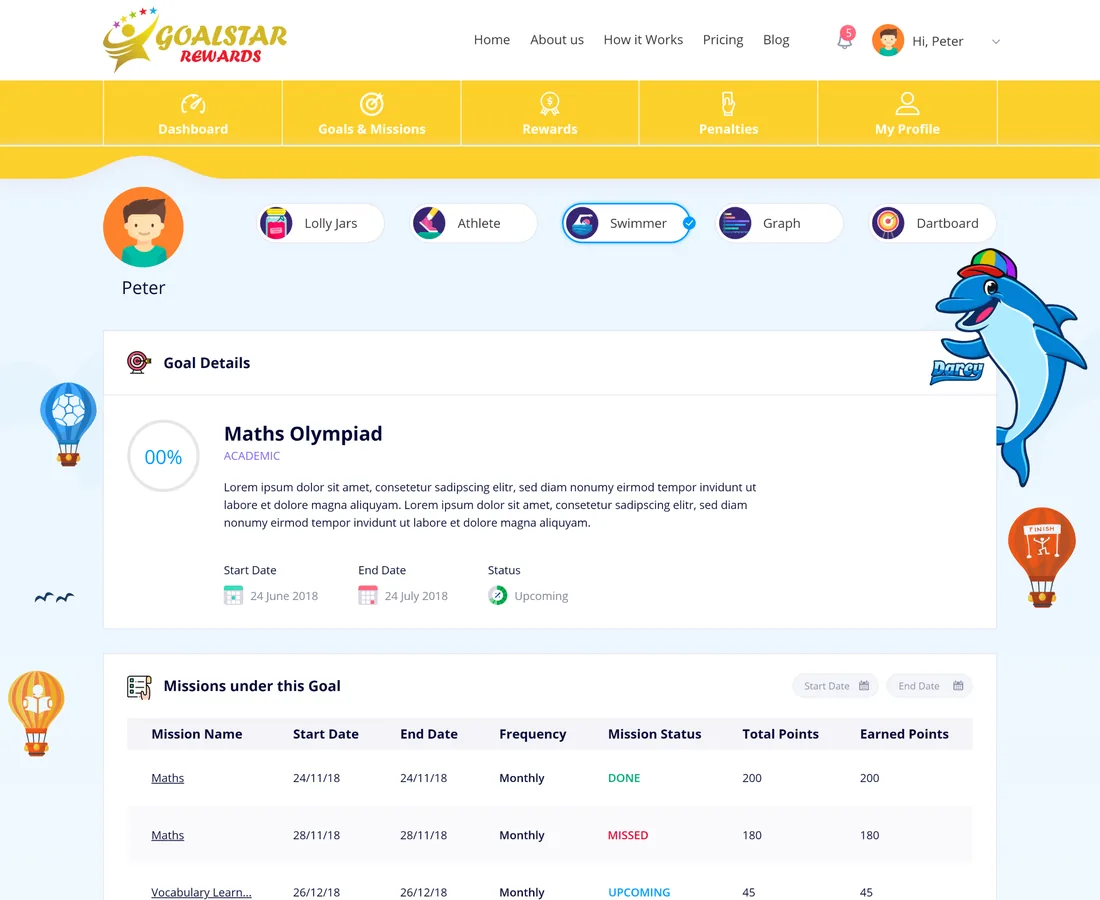
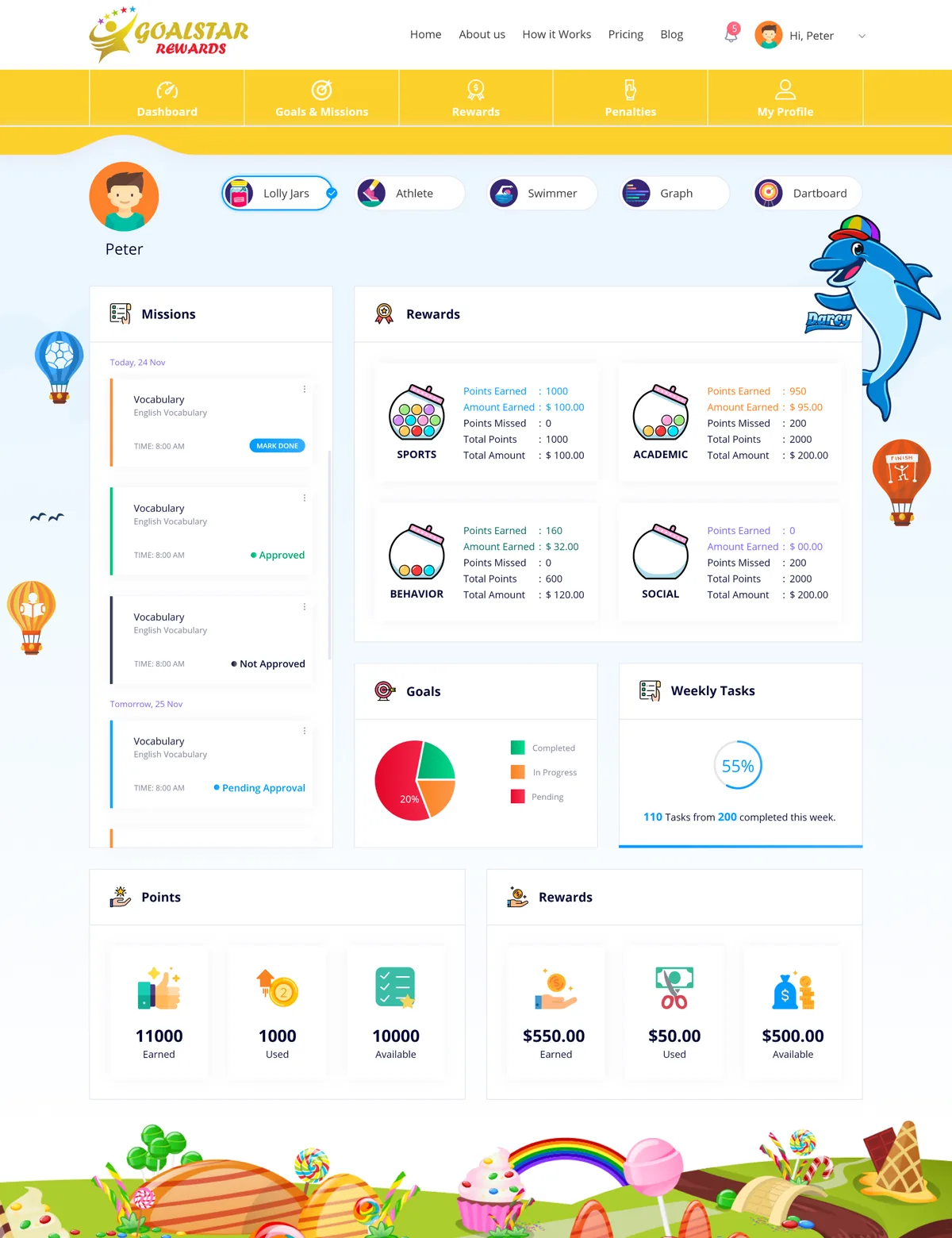
CoreDated goals broken into missions, each with a point value, a due date and a status — upcoming, done, missed or awaiting approval.
- Goals
- Missions
- Due dates
Rewards catalogue
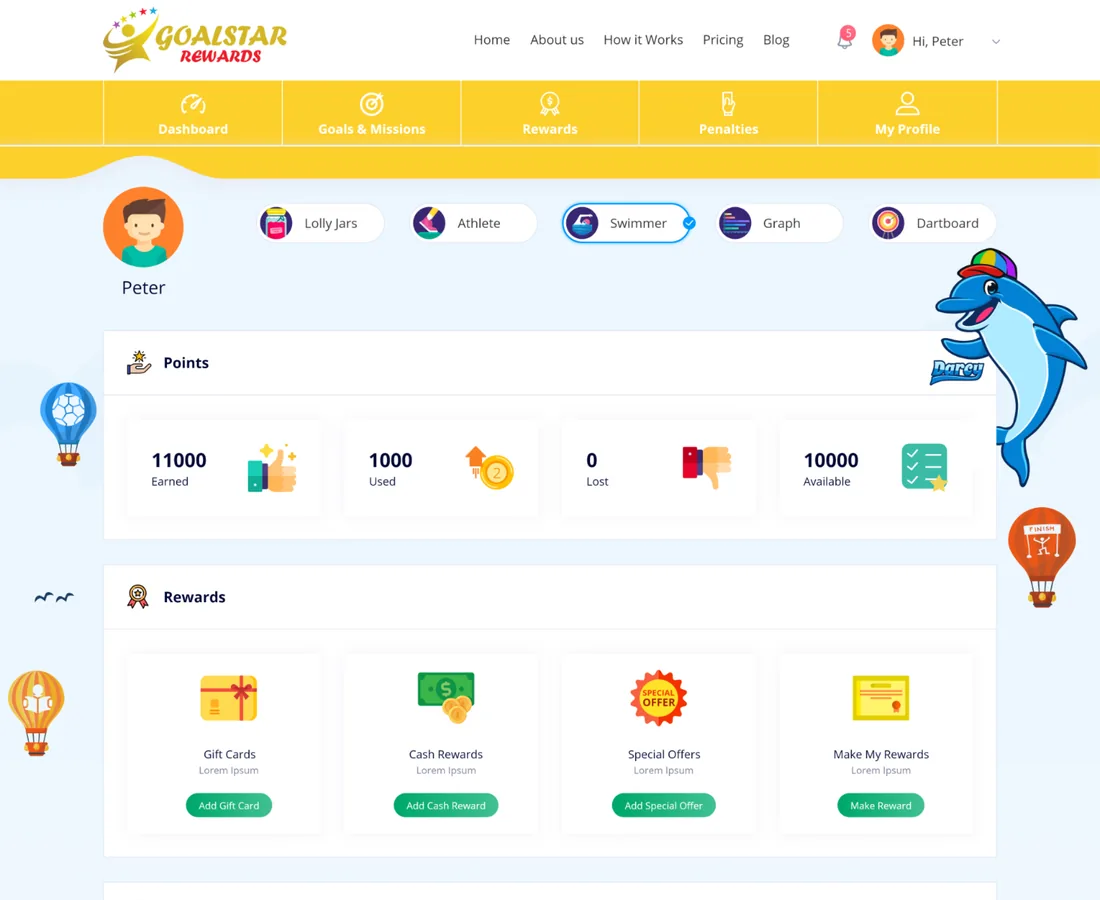
4 categoriesRewards a child redeems with earned points, organised across academic, sports, behaviour and social, with product and special-offer detail.
- Special offers
- Product detail
Child dashboards
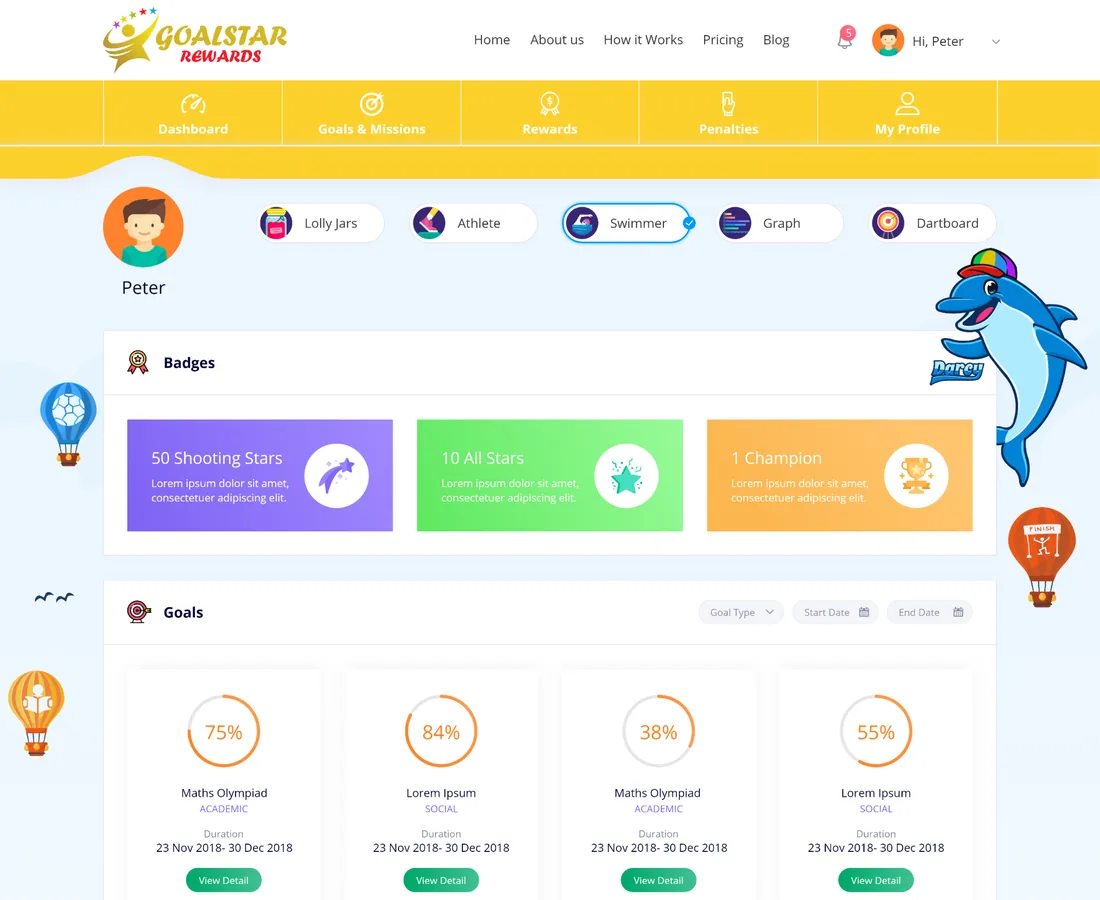
5 themesA playful dashboard per child with pickable themes, milestone badges, progress rings and a live points and rewards balance.
- Themes
- Badges
Parent console
Home baseThe parent's side of the platform: create goals and missions, approve or decline completed work, and keep an eye on every child from one place.
- Approvals
- Per-child view
- Summary
Calendar
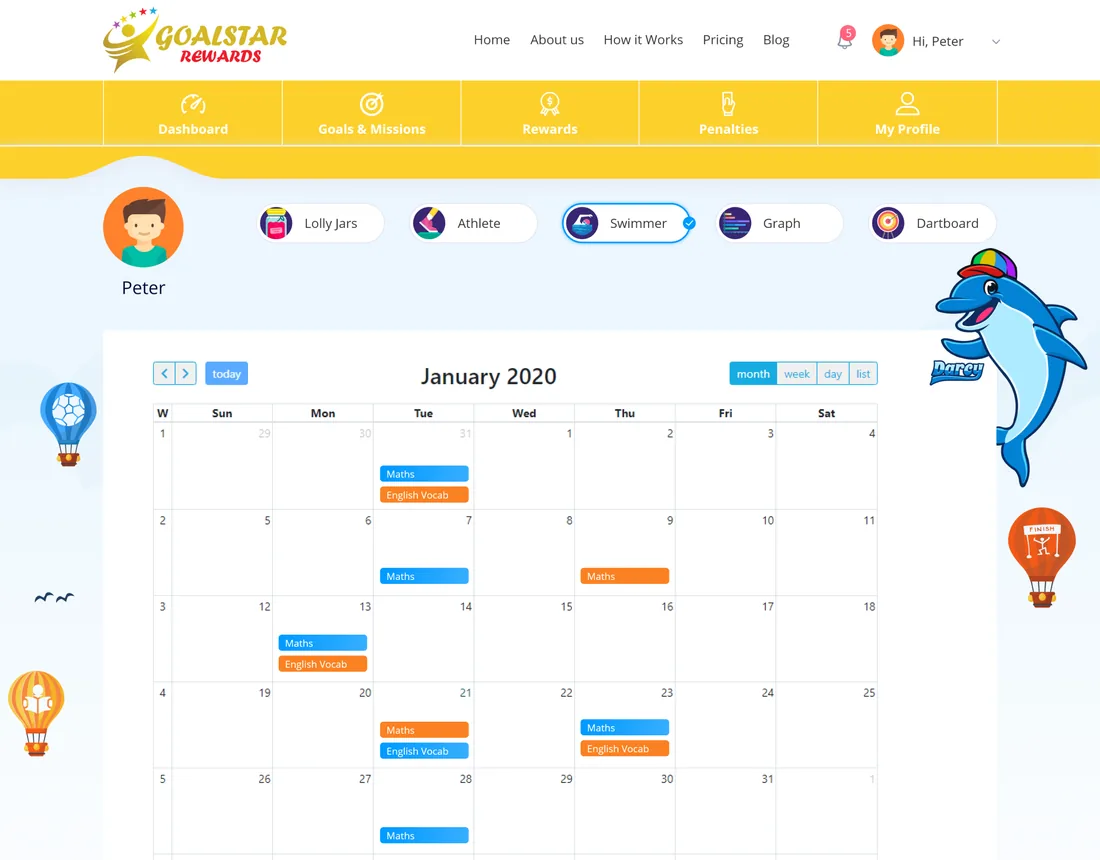
The weekMissions and their due dates laid out on a calendar, so the week ahead is visible at a glance for parent and child alike.
- Due dates
Penalties
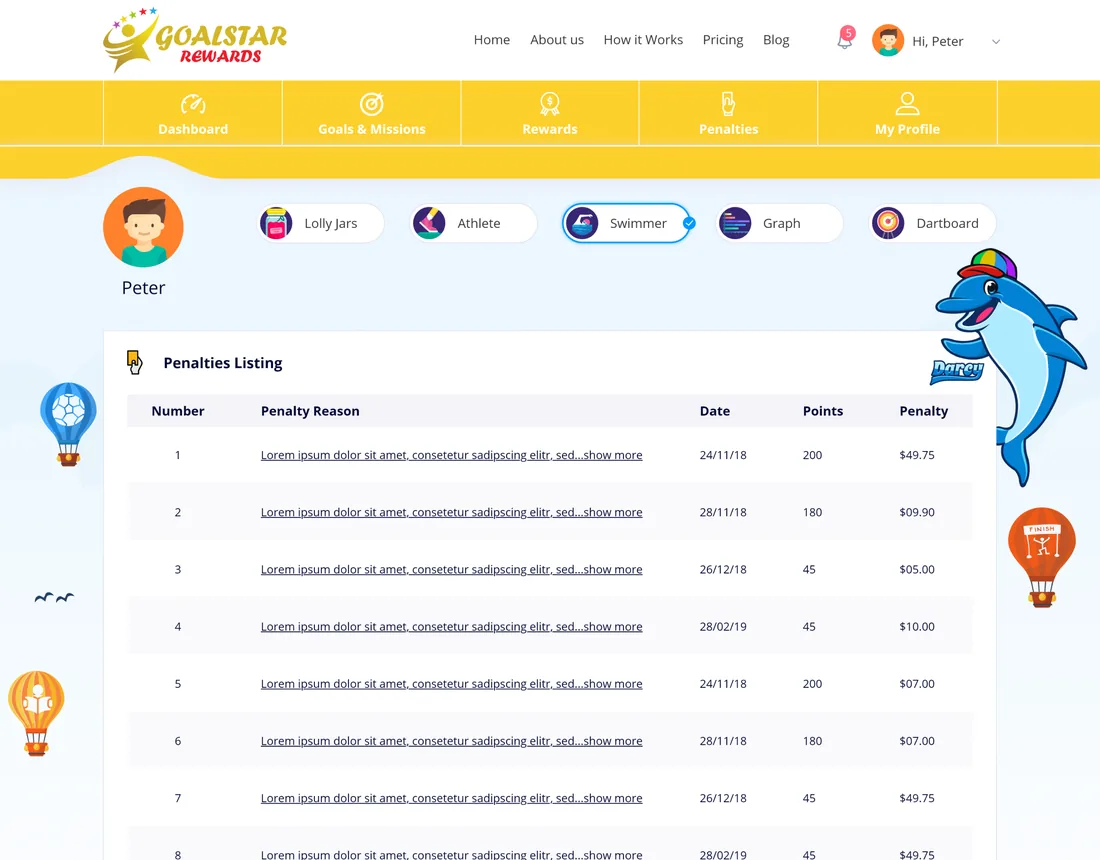
AccountabilityMissed missions and rule slips recorded as penalties in the child's own view, so consequences are visible rather than only spoken.
- Tracked slips
Membership & billing
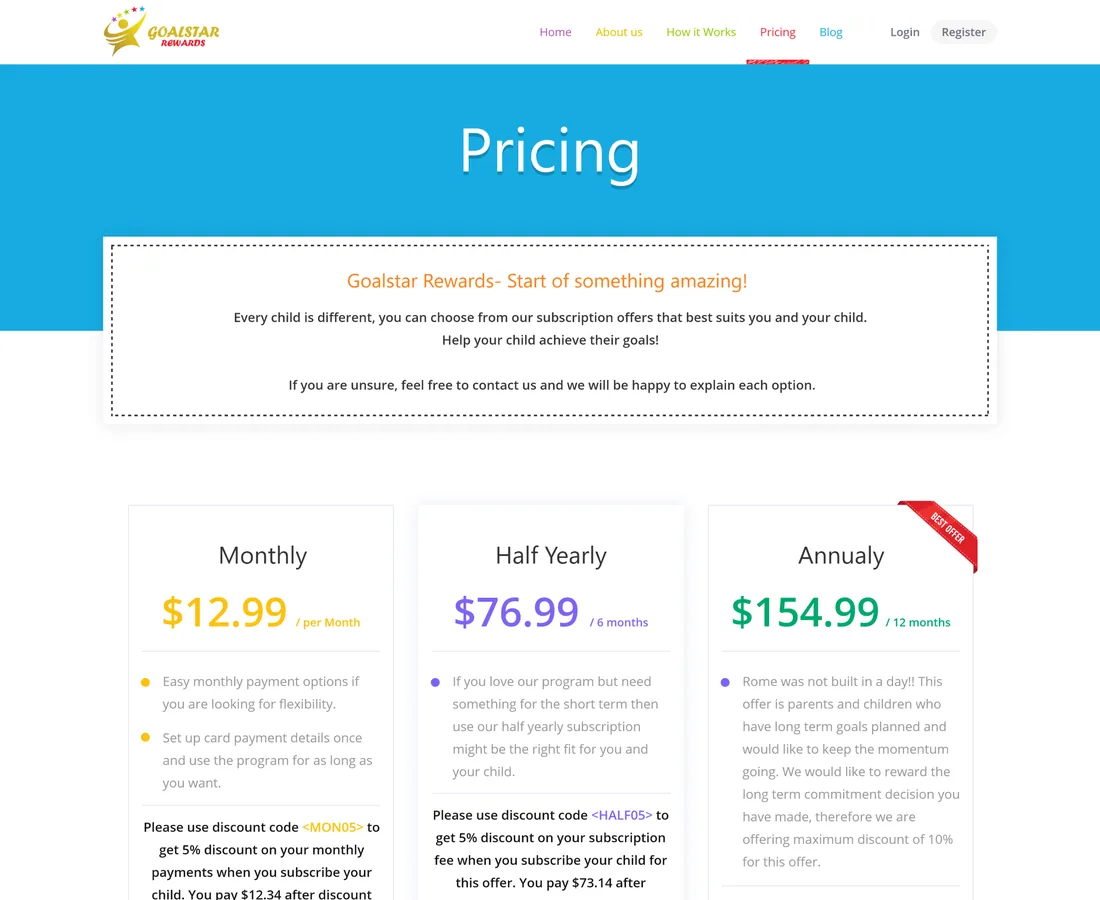
PlansMembership plans with a free trial and card payment, so a family subscribes and manages its plan without leaving the platform.
- Free trial
- Card billing
Public site
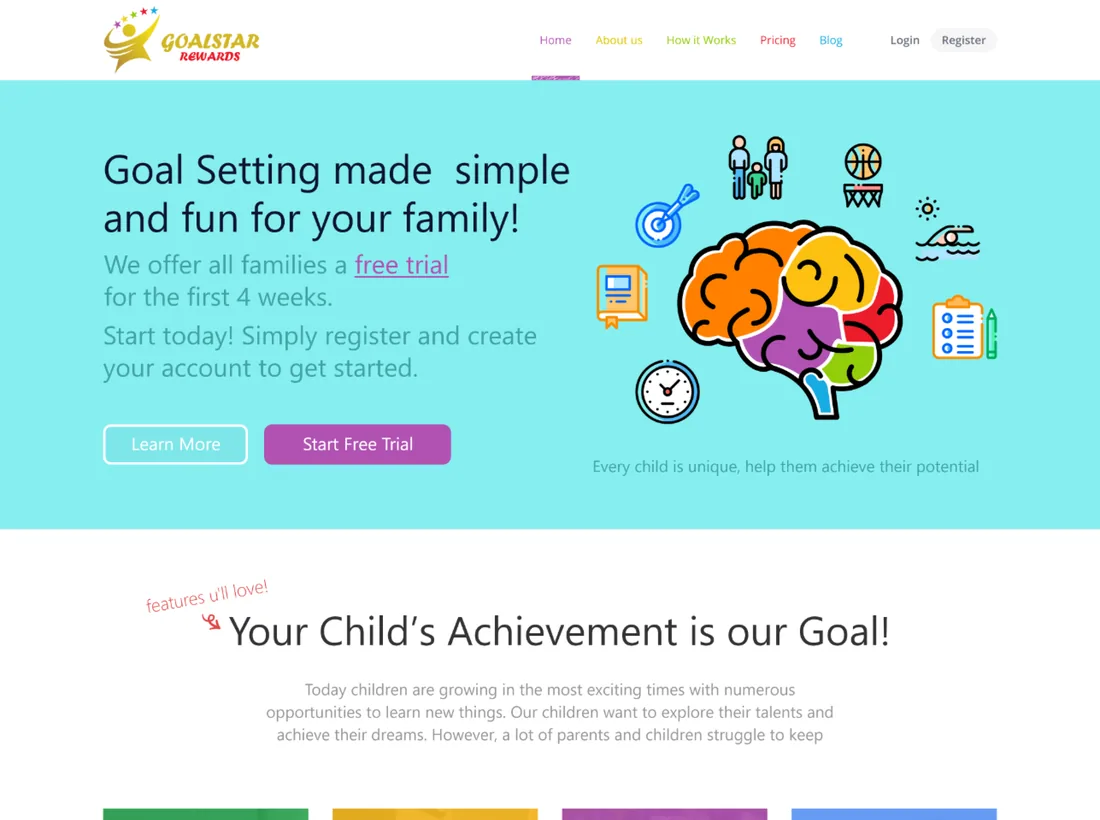
Front doorThe public storefront — home, about, how it works, pricing, FAQs and a blog — that brings a family in and explains the model.
- Blog
- Pricing & FAQs
How was Goalstar Rewards designed and built?
The hard part was making one system feel like a task manager to a parent and a game to a child. The design was driven out from the reward loop.
How does a goal become a reward?
The whole platform is one loop that runs between a parent and a child. Each step changes the state the next one depends on, which is exactly what a fridge chart can never do.
- 01
Parent sets a goal
A parent creates a goal with a start and end date, then breaks it into the missions that reach it.
Parent - 02
Missions land on the calendar
Each mission gets a due date and a point value, and appears on the child's dashboard and calendar.
Parent - 03
Child marks it done
The child works through today's missions and marks each one done from their own dashboard.
Child - 04
Parent approves the work
The parent approves or declines the marked mission, so points are only earned once the work is checked.
Parent - 05
Points build a balance
Approved missions add points to the child's balance, split across categories like academic, sports, behaviour and social.
Child - 06
Points are redeemed
The child spends earned points on rewards they choose from the catalogue, from pocket money to a special experience.
Child
Scroll the loop sideways
Building a family rewards platform
The questions parents and product teams ask us first, answered plainly.
Ask us yoursHow does a rewards app for children actually work?
It runs as a loop between a parent and a child. A parent sets a goal, breaks it into missions with due dates and points, and the child completes those missions from their own dashboard. The parent approves the finished work, points are added to the child's balance, and the child spends them on rewards they choose from a catalogue. Every step holds the state the next one needs, which is what keeps it honest.
Is there a mobile app as well as the website?
Yes. Goalstar Rewards pairs the web dashboards with a companion app so a child gets mission alerts on the device they actually use, while the fuller setup, approval and reporting live in the browser.
How are children kept engaged over time?
Motivation is designed in, not assumed. Each child picks a dashboard theme, earns milestone badges, watches goals fill as progress rings, and sees a points balance grow across academic, sports, behaviour and social categories. The reward at the end is one they chose, which is what a generic sticker chart cannot offer.
Can parents see what a child has and hasn't done?
That is the point of the parent side. Missions carry a clear status — upcoming, done or missed — and an approval step, so a parent approves real completion, sees where a child is behind, and has penalties recorded for slips. Everything is viewable per child from one console.
How long does it take to build a platform like this?
It depends on scope, and the honest answer is that nobody can quote it from a feature list alone. The biggest drivers are the number of user roles, whether payments and a companion app are in scope, and how much of the gamification is bespoke. Shanti Infosoft scopes it on a short call and returns a fixed quote.
Related work
Have an idea that needs two audiences in one product?
Tell us how your business actually works and we will tell you honestly what it takes to build. See more of our work or what we do.
Book a 15-minute call