01
Choose a service
The patient picks First Visit, Essential or Callus care and a time that suits them.
Service→



An on-demand service that brings professional foot and nail care to the door — a booking website, customer and provider mobile apps, and a provider portal that together turn a house call into a few taps.
The old way was a phone tree and a wait. Clipt Care replaces it with a booking experience that spans the web and two mobile apps: a customer app to book, message and pay, a provider app for the professionals on the road, and a website that carries the same booking flow for anyone who prefers the browser.
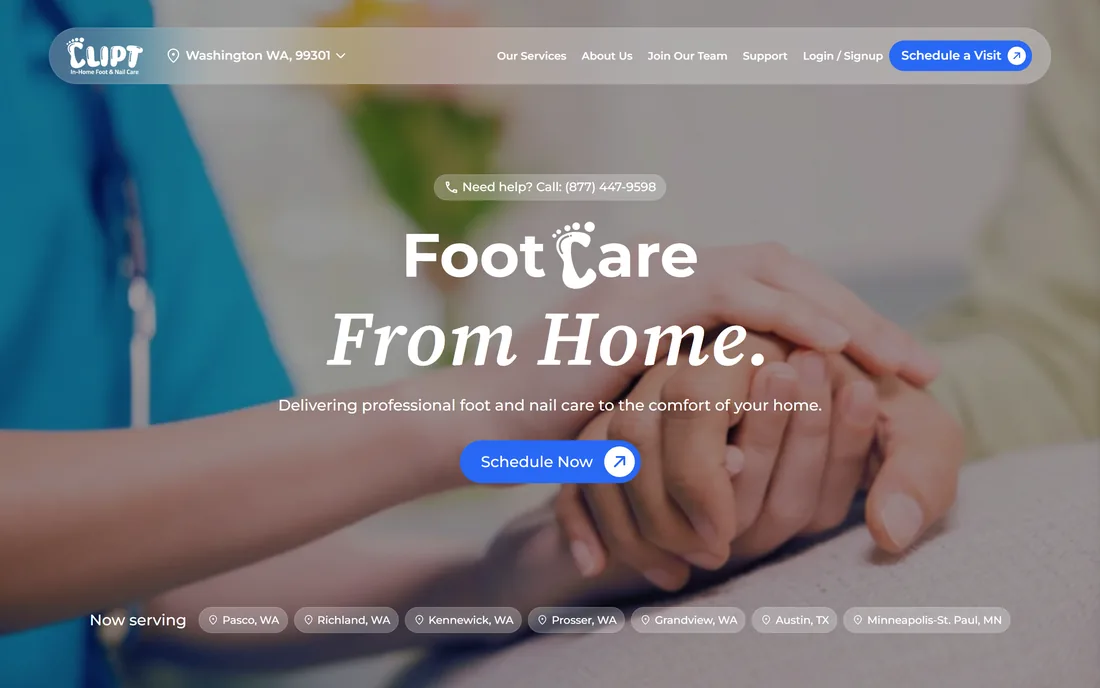
Pick a service, choose a slot and a certified provider comes to the door — no phone tree, no waiting room.
Secure in-app messaging keeps the patient and their provider connected before and after a visit.
Visit payments are handled in-app, and access codes unlock special pricing and group services.
Bringing a clinical service into someone's living room raises problems a simple appointment widget never has to solve.
Two very different apps are needed — one to book and pay, one to run a day of home visits — sharing a single schedule.
Providers move between homes across a metro area, so the platform has to work in the field, not just at a front desk.
For seniors and people with diabetes, routine foot care is a safeguard, so booking has to be dependable enough to build a habit around.
surfaces sharing one schedule — a booking website, a customer app and a provider app.
Bringing a clinical service into someone's home raises problems a simple appointment widget never has to solve: two very different apps, a workforce that is always mobile, and patients for whom the visit is preventive, not optional.
Booking a visit and delivering one are different jobs — 2 sides sharing one schedule.
Books a service tier and a provider, pays in the app, and messages their provider before and after the visit.
Runs a day of home visits — nurses and podiatrists, rated and searchable, delivering care in the comfort of the home.
The patient picks First Visit, Essential or Callus care and a time that suits them.
They choose a rated nurse or podiatrist, or search for one by name.
The visit lands in the provider app, slotted into their day of home calls across the area.
The provider arrives and delivers the assessment or treatment in the comfort of the home.
Secure messaging keeps patient and provider connected for follow-ups and the next booking.
Payment is settled in the app, with access codes applying any special or group pricing.
keep scrolling — the deal glides left →
The build started from the visit, not the screen — who does what, where, and on which device — and worked outwards to the apps and the site.
Patient and provider were designed as separate apps sharing one schedule, because booking a visit and running a route are genuinely different jobs.
First Visit, Essential and Callus care were structured so a patient can start with an assessment and settle into a dependable routine.
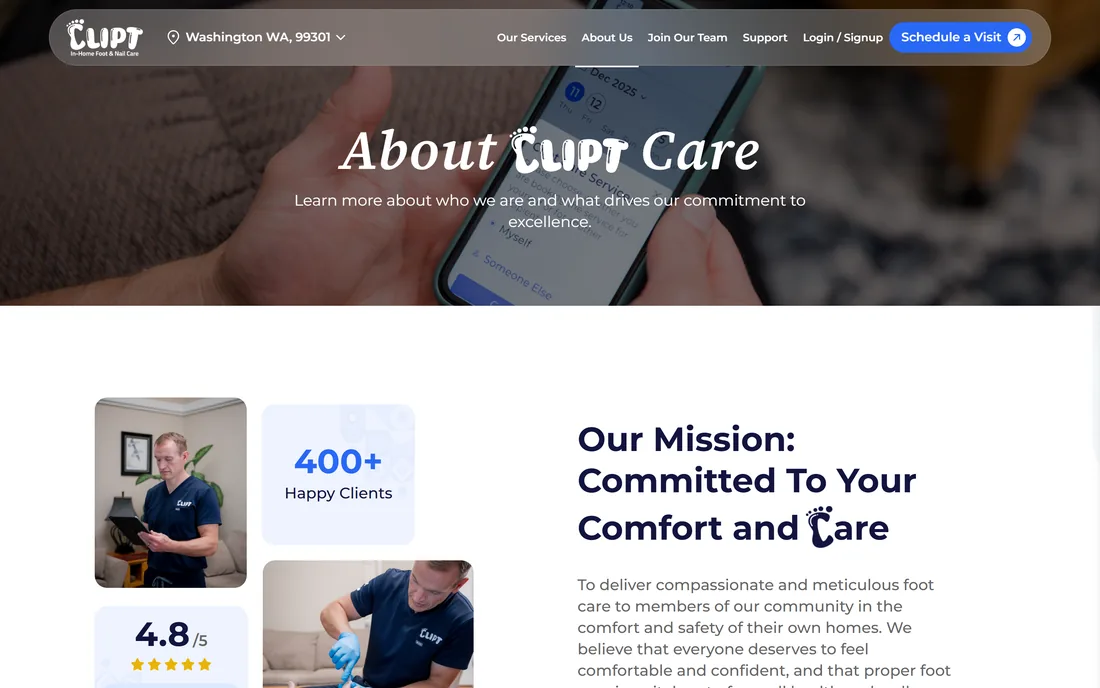
Credentials, ratings and name search were built in, so trust is placed in a specific person rather than an anonymous rota.
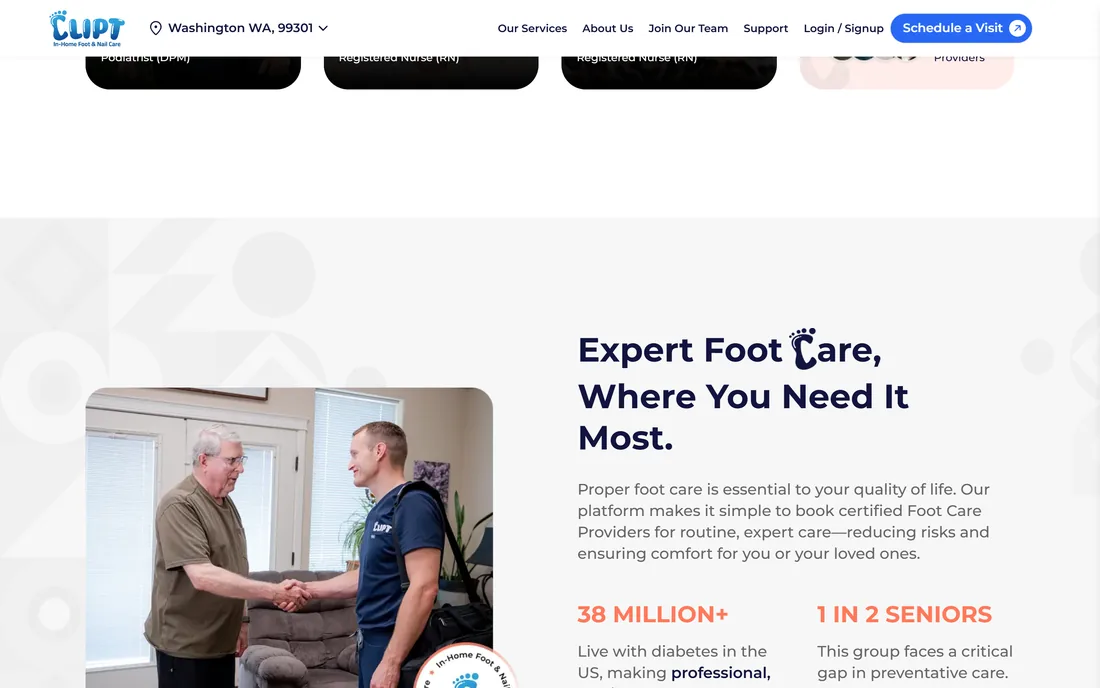
The same booking flow was brought to the website, so a relative can arrange care for a loved one from any browser.
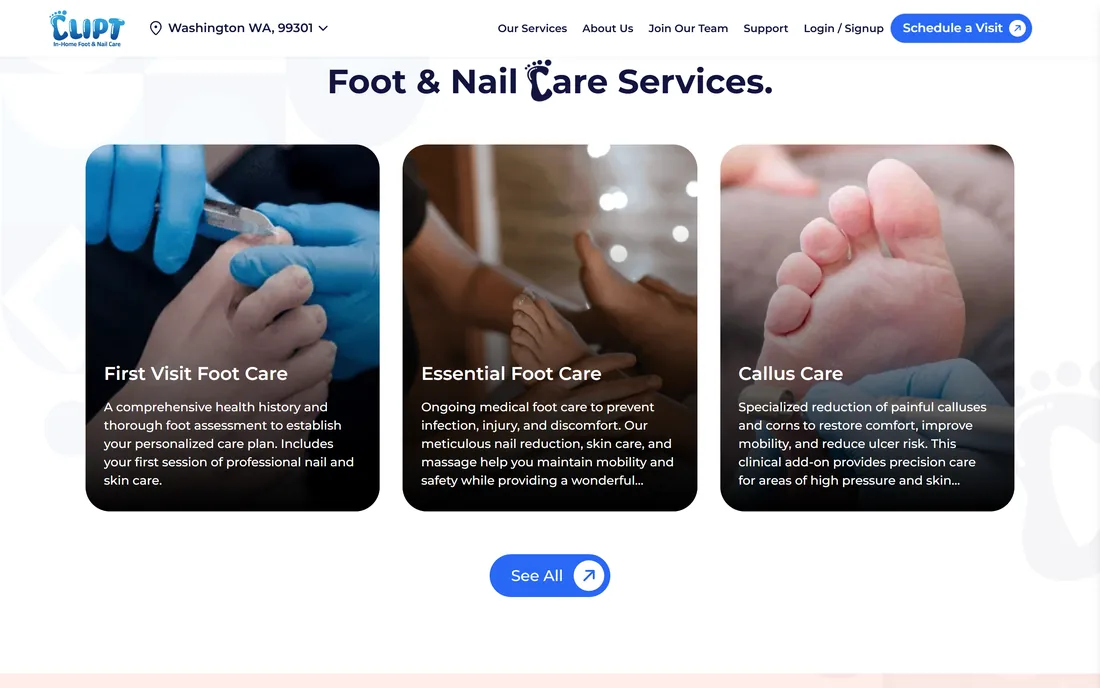
Three clearly explained service tiers, from a first full assessment to ongoing maintenance and specialist callus reduction, so a patient can see exactly what a visit covers before they book it.
Every number in this panel is delivered scope — what was designed, built and handed over on the in-home foot & nail care build for Clipt Care. It leaves out traffic, conversion and revenue on purpose: those figures belong to the client, and we don’t publish numbers we cannot stand behind.
A confident royal blue carries every action against a deep navy, warmed by a coral used sparingly for highlights, so the product feels clinical enough to trust and human enough to welcome into the home. Montserrat keeps headings friendly and geometric while staying highly legible for older eyes — the palette and type below are read from the live product's own computed styles.
These held true building an in-home care service, and they carry to any business that dispatches a professional to a customer's door.
The person booking and the person delivering need different tools that never fall out of sync.
If the provider tooling only works at a desk, it does not work — the whole job happens on the road.
Ratings and search turn an anonymous booking into trust in a named professional.
Settling in-app removes the most awkward moment of a home visit.
A relative on a laptop and a patient on a phone are booking the same visit.
Preventive care only works if re-booking is effortless, so the next visit is always one tap away.
Tell us how your business actually works and we'll tell you honestly what it takes to build — the two apps, the schedule, the lot. No deck, no pitch.