


Point A to point B.
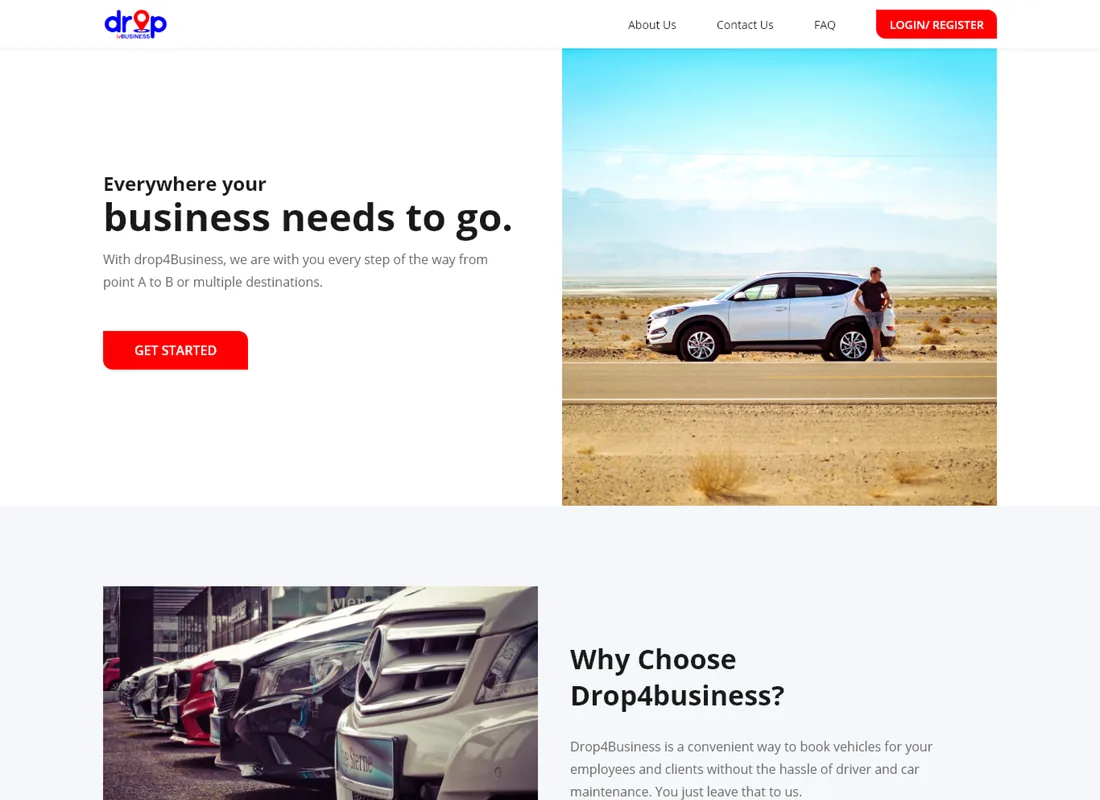
A ride-booking and car-rental platform for business travel: riders search by pickup, destination and vehicle, book a chauffeured ride, and drivers put their own cars out to earn.
Sector
- Ground transport
- Business travel
Audiences
- Riders
- Drivers
What we did
- UX + UI design
- Web platform
- Booking flows
Core
- Search
- Book
- List a car
What is the platform?
Booking ground transport for a business means calls, waiting and no visibility of the driver or car. This platform makes it a search, a choice and a booking — with vetted drivers on the other side.
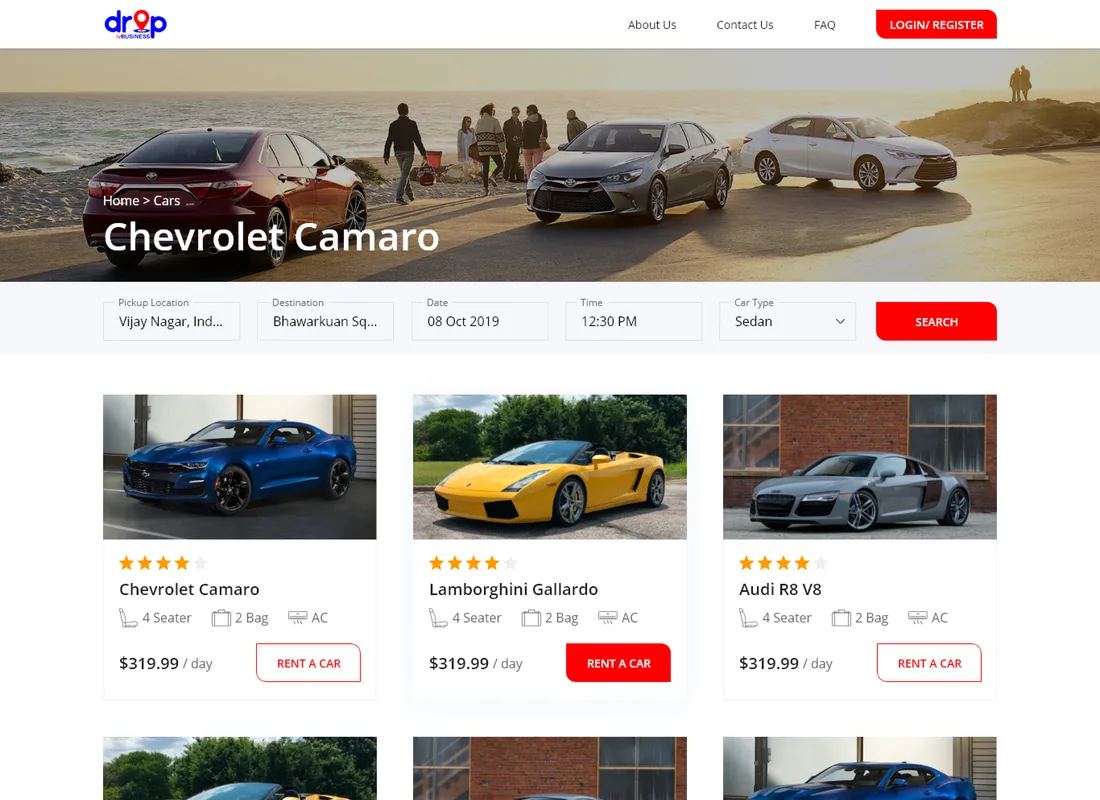
One booking flow, two sides of the ride
A rider searches by where they are, where they are going and what they want to travel in. A driver lists a car with its seats, bags and rate. The platform matches the two and runs the booking end to end.
Why is booking business ground transport such a chore?
Arranging a car for an employee or a client usually means a phone call, an unclear price and no idea who is driving. A booking platform turns each of those unknowns into a field.
| Booking a ride | Phone and guesswork | On the platform |
|---|---|---|
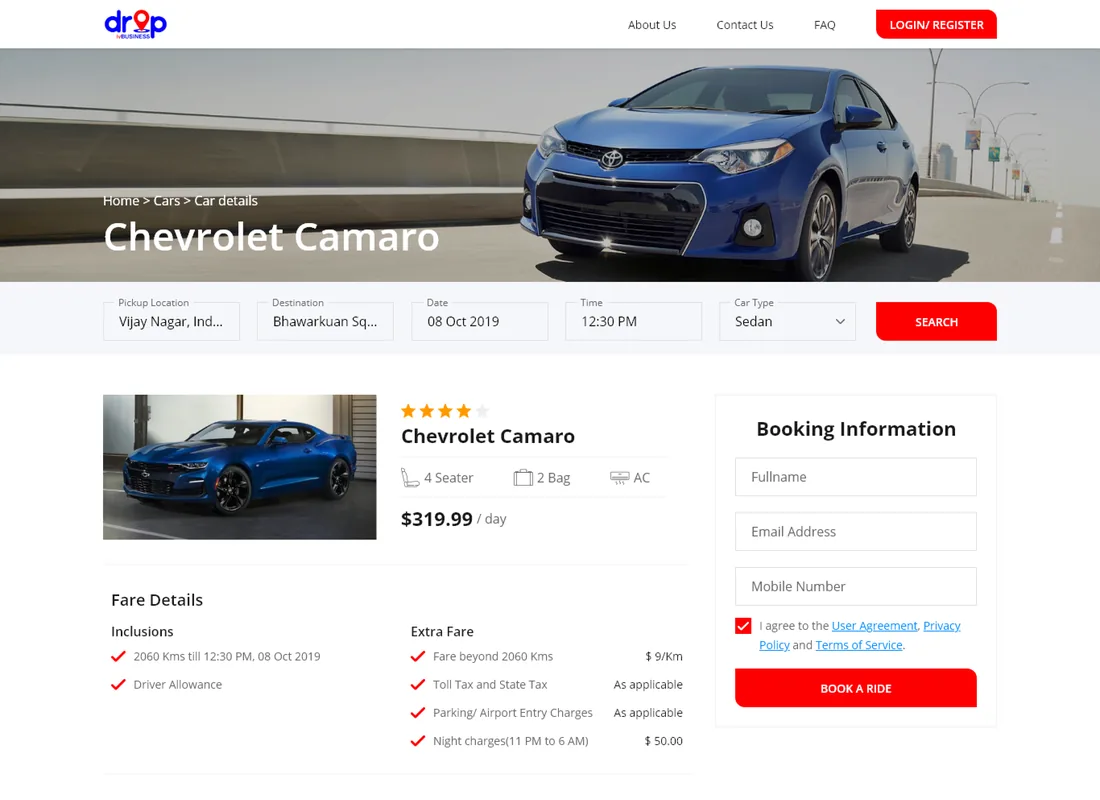
| Finding a car | Call a company and hope | Search by pickup, destination, date and type |
| Comparing options | One quote at a time | Vehicles side by side with seats, bags and rate |
| Knowing the driver | Whoever arrives | A vetted, registered driver with a profile |
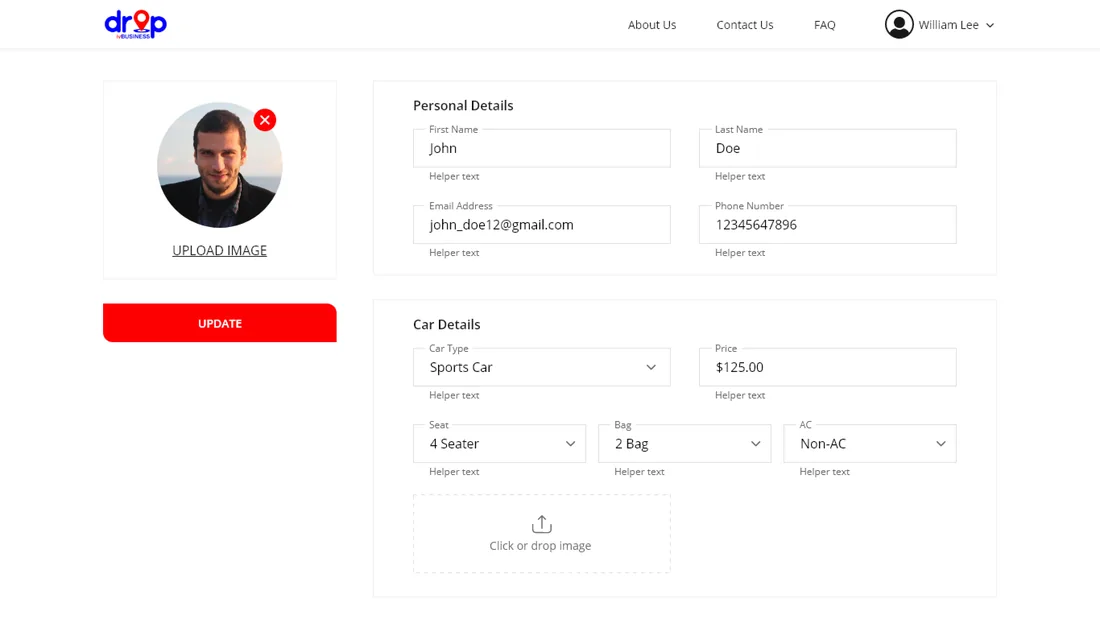
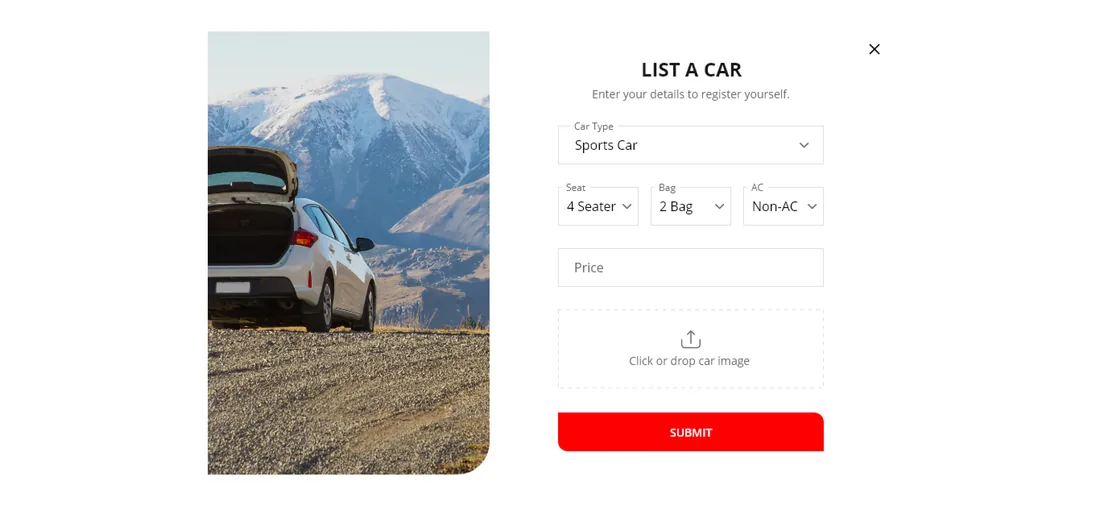
| Listing a vehicle | A phone call to a dispatcher | List a Car form with type, seats and price |
What can a rider and a driver actually do?
The rider's side is a search and a booking; the driver's side is a listing and an account. Both run through the same product.
How does a rider get from search to a booked ride?
The whole product is this sequence: the rider narrows the search to a car that fits the trip, opens its detail, and books the ride — then a vetted driver fulfils it.
- 01
Search the trip
Enter pickup, destination, date, time and car type to see the vehicles that can serve the journey.
Rider - 02
Browse the results
Compare cars side by side by seats, luggage, air-conditioning and day rate.
Rider - 03
Open the car
The car detail page carries the vehicle's specifications and terms before any commitment.
Rider - 04
Book a ride
The booking form captures pickup, destination, date, time, vehicle and contact details in one step.
Rider - 05
Confirm
The booking is confirmed and the trip is locked to the chosen vehicle and window.
System - 06
Driver fulfils it
A vetted, registered driver — with the car they listed — carries out the ride.
Driver
Scroll the path sideways
What does a ride-booking platform need to get right?
The same handful of things separate a booking product people rebook from one they use once. They came out of designing this one.
- Search that speaks the trip. Pickup, destination, date and time matter more than a car catalogue — the results have to be what can actually make the journey.
- The price before the commitment. A rider should compare a sedan against an SUV on rate and seats, not discover the fare afterwards.
- A vetted supply side. Screening drivers before they register is what turns "whoever arrives" into a booking you can trust.
- Listing a car in one form. If putting a vehicle to work takes more than a single screen, the supply side never fills up.
- Both sides in one product. Riders and drivers are two audiences, but they meet on one booking — not two disconnected apps.
Building a ride-booking platform
What operators ask us first about a platform like this.
Ask us yoursHow long does it take to build a ride-booking platform?
A first working version usually takes eight to fourteen weeks, because it is two experiences — the rider's booking flow and the driver's listing and account — sharing one catalogue of vehicles. What moves the date most is whether live dispatch, in-app payments and maps are in the first release. We phase it so riders can book before every driver tool is built.
How much does a booking marketplace cost?
It depends on scope, and any figure quoted before the flows are understood is a guess. The biggest cost drivers are whether payments and live tracking are included, how rich the search and matching are, and how many roles act on the platform. Shanti Infosoft scopes it on a short call and returns a fixed quote within 48 hours.
How does the platform keep riders safe?
Drivers are vetted and screened before they are registered, and each books through a profile rather than turning up anonymously. A rider is choosing a checked driver and a listed vehicle, with the trip details recorded on the booking.
Can drivers list their own vehicles?
Yes. The List a Car flow lets a driver register a vehicle with its type, seats, luggage capacity, air-conditioning, rate and a photo in a single form, so the supply side of the marketplace grows without a dispatcher in the middle.
Related work
Building a booking platform?
Tell us how your business actually works and we will tell you honestly what it takes to build. See more of our work or what we do.
Book a 15-minute call