


Register. Vote.
A community nomination and voting platform scoped to the city a voter lives in — nominate candidates, back them in circles, and vote in live elections with a countdown to election day.
Sector
- Civic tech
- Local elections
Audiences
- Voters
- Moderators
What we did
- UX + UI design
- Web platform
- Voting flows
Scope
- City-based
- Event-driven
What is CityVote?
Local elections and community decisions run on notice boards, paper nominations and word of mouth. CityVote moves the whole cycle online and scopes it to the city each voter actually lives in.
Elections that live where the voters do
A voter chooses their city and sees only that city's events, candidates and elections. From there they nominate people, group support into circles, and vote — each step verified rather than taken on trust.
Why is running a community election so hard to do fairly?
Local nomination and voting usually happen on paper and by word of mouth, where nobody can see who is standing, who nominated them, or whether the count is honest. Moving it online has to preserve trust, not just convenience.
| Community elections | Notice boards & paper | On CityVote |
|---|---|---|
| Knowing what is on | A flyer, if you see it | City-scoped events with a live countdown |
| Putting a name forward | A paper nomination | Online nomination with OTP and documents |
| Vetting candidates | Behind closed doors | Approve / deny moderation with a vote tally |
| Rallying support | Word of mouth | Circles that group and back candidates |
What does the voter flow look like?
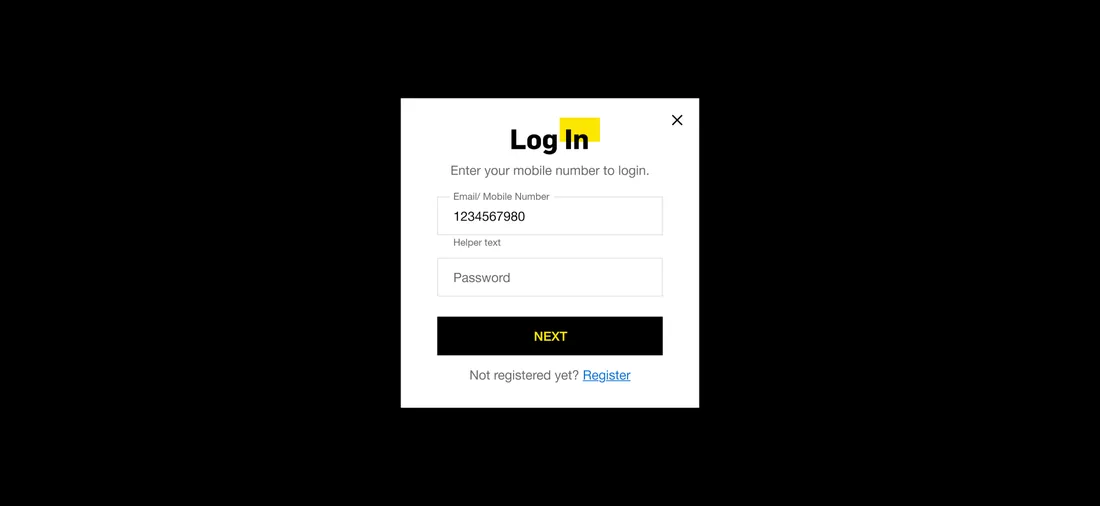
From the city home to a submitted nomination, the voter's path is a handful of purposeful screens.
City-scoped elections
CoreEvery event, candidate and result is filtered to a chosen city, so the platform runs many local elections in parallel without them bleeding into each other.
- Events
- Candidates
- Results
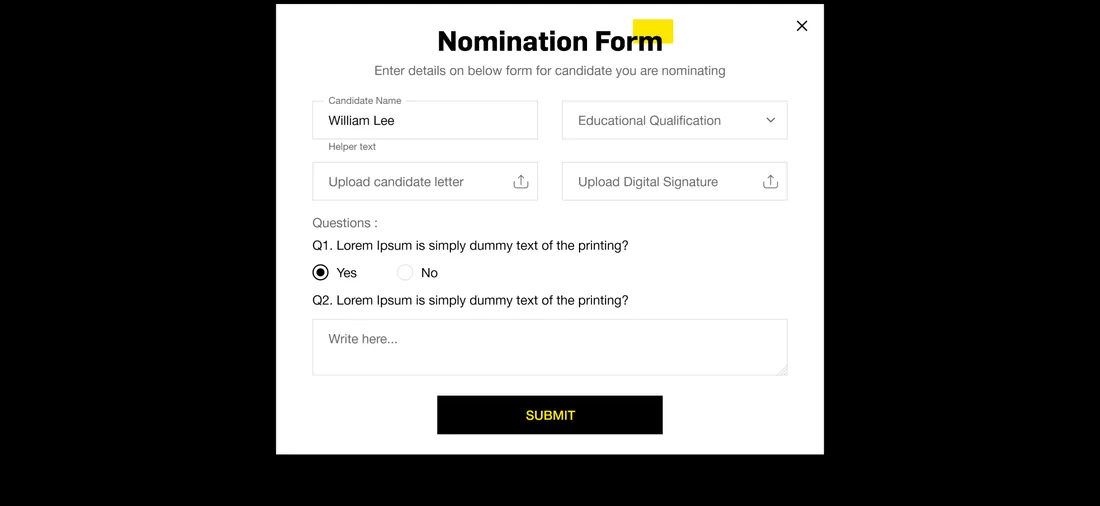
Nomination
Voter flowSearch a candidate by mobile number, verify with an OTP, and submit a nomination form with a candidate letter, digital signature and questions.
- Search
- OTP verify
Moderation
Admin flowNominations and votes are approved or denied by moderators, with approved, denied and winning states carried through to the result.
- Approve
- Deny
Circles
CommunityVoters create circles, add candidates, and send and accept circle requests, turning scattered individual votes into organised, visible support.
- Create circle
- Requests
- Accept / reject
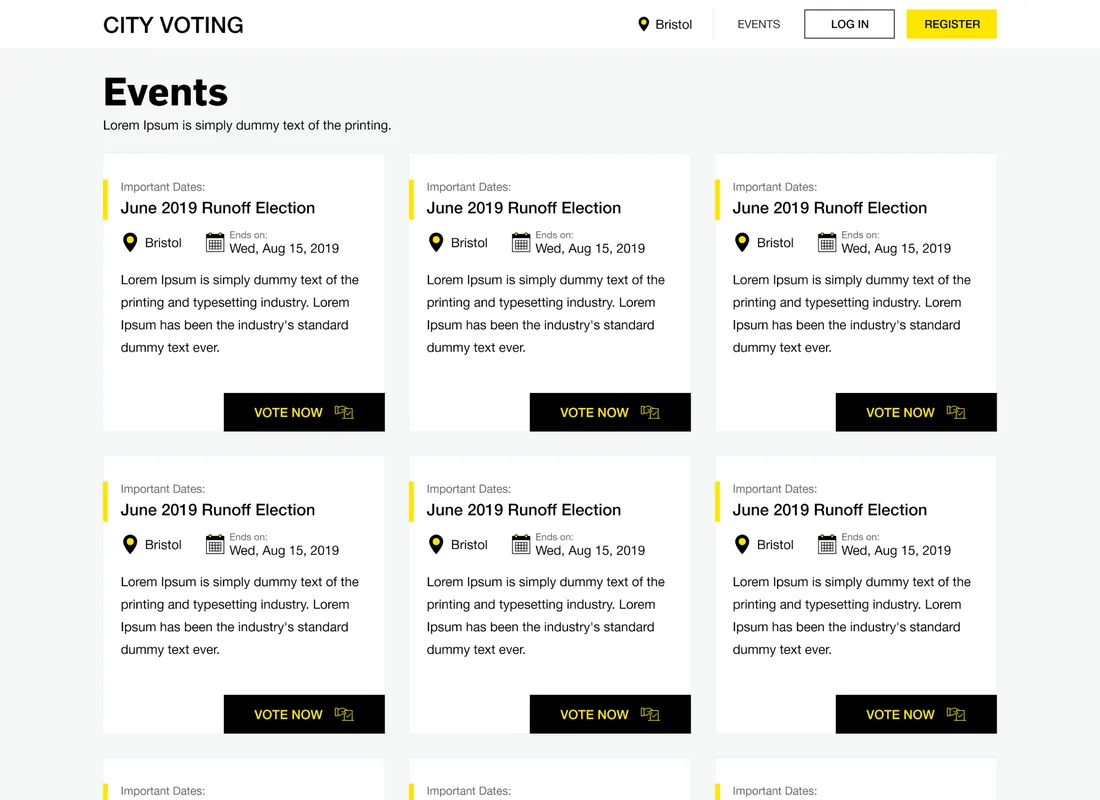
Events
PublicEach election is an event with its important dates, an ends-on date and a direct vote-now action.
- Ends-on
- Vote now
Voting & tally
CoreVotes are cast as approve or deny and rolled up into total, approved and denied tallies that drive the winning result.
- Approve votes
- Tally
How does a name become a declared winner?
This is the civic loop the platform is built around: a voter puts a candidate forward, the nomination is verified and moderated, votes are tallied, and a winner is declared.
- 01
Register
A resident registers and chooses their city, unlocking that city's elections.
Voter - 02
Find a candidate
They search a person by mobile number within the city's candidate pool.
Voter - 03
Nominate
A nomination form with an OTP, a candidate letter and a signature puts the name on the ballot.
Voter - 04
Moderate
A moderator approves or denies the nomination before it can gather votes.
Moderator - 05
Tally votes
Approve and deny votes are counted into total, approved and denied figures.
System - 06
Declare winner
The tally resolves to a winning result for the city's election.
System
Scroll the path sideways
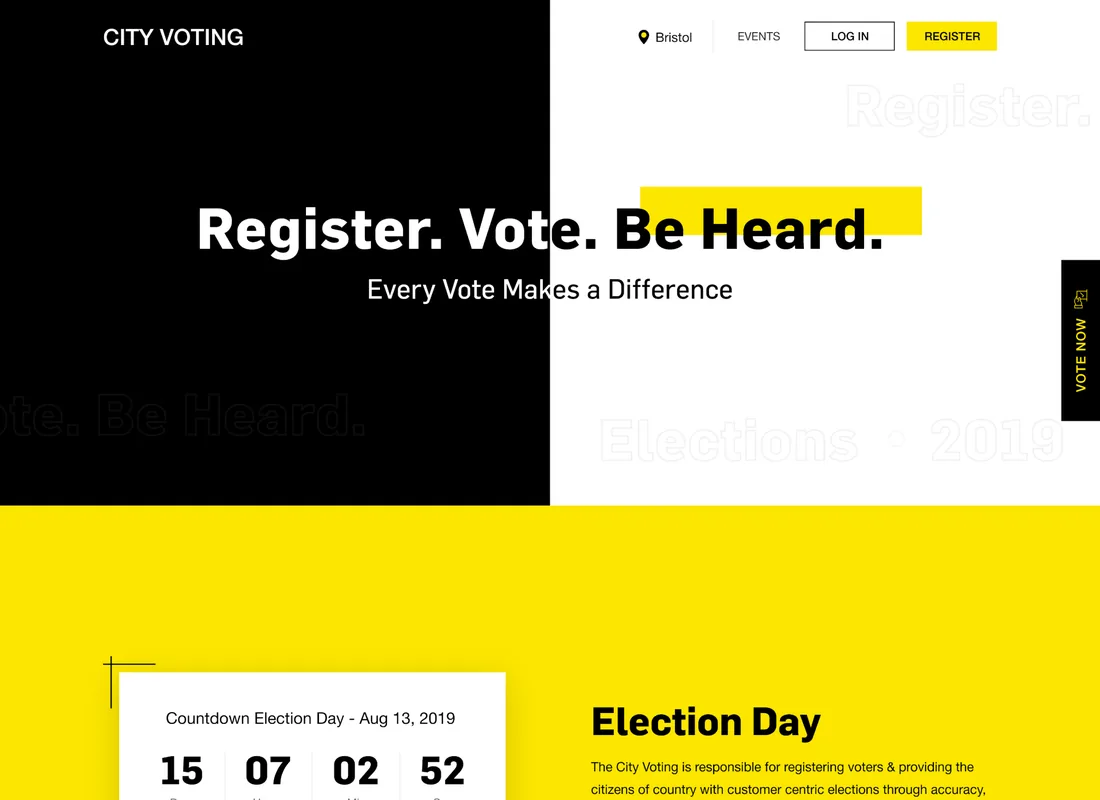
What does a voter see the moment they land?
The home page is built around one message and one action. Everything on it points a resident toward registering and voting in their own city.
Events, candidates and elections are all scoped to the city the voter picks here, so the whole site speaks to one place.
Registering is the first civic step, and the page pushes it from the header, the hero and a #GoVote band lower down.
Register. Vote. Be Heard. — the single message the entire home page is built to deliver.
A persistent Vote Now tab keeps the primary action one reach away, no matter where the voter has scrolled.
A live countdown to election day turns an abstract date on a calendar into an urgent, ticking one.
What does a community voting platform have to get right?
Moving an election online is only worth doing if it keeps the trust of a paper one. Five things decide whether it does.
- Scope it to a place. A voter should see their own city's elections and nothing else — civic relevance is local before it is anything.
- Verify every civic action. Registration and an OTP on nomination are what stop an online ballot from being easier to game than a paper one.
- Moderate in the open. Approve/deny with a visible tally lets a community inspect the process instead of trusting whoever holds the box.
- Let support organise. Circles turn scattered individual votes into visible, coordinated backing for a candidate.
- Make the deadline felt. A live countdown to election day converts an abstract date into turnout.
Building a community voting platform
What organisers ask us first about a platform like CityVote.
Ask us yoursHow long does it take to build a community voting platform?
A first working version usually takes eight to fourteen weeks, because the hard part is not the ballot but the trust around it — verified registration, nomination moderation and an auditable tally. What moves the date most is how strict the identity checks must be and whether results are legally binding. We phase it so a single city can run an election before the platform scales to many.
How much does a voting platform cost?
It depends on scope, and any number quoted before the verification rules are understood is a guess. The biggest cost drivers are how strong identity verification must be, whether moderation is manual or automated, and how many parallel elections run at once. Shanti Infosoft scopes it on a short call and returns a fixed quote within 48 hours.
How does the platform keep an online election trustworthy?
Trust is built in layers: registration ties actions to a real voter, an OTP verifies a nomination, moderators approve or deny candidates, and every vote rolls into a visible total, approved and denied tally. The process is inspectable rather than resting on whoever holds the count.
What are voter circles?
Circles let voters group together and back candidates as a bloc. A voter creates a circle, adds candidates, and sends or accepts circle requests — turning individual votes into organised, visible community support.
Related work
Building a civic or voting platform?
Tell us how your business actually works and we will tell you honestly what it takes to build. See more of our work or what we do.
Book a 15-minute call