


The whole tenancy, one place
A property management platform for landlords running single and multi-unit rentals end to end - add the property, move a tenant in, raise the lease, collect the rent, handle maintenance and report on all of it, without leaving the dashboard.
Sector
- Residential rentals
- Single & multi-unit
Roles
- Landlord
- Tenant
- Professional / contractor
Covers
- Properties · Tenants · Leases
- Rent · Maintenance · Reports
What we did
- Product modelling
- UX + UI design
- Front-end build
What problem does it solve?
A landlord with more than a couple of units is running a small business out of a spreadsheet, a bank app, a messaging thread and a folder of PDFs. The work is not hard; it is scattered, and the scatter is what causes the missed renewal and the late-noticed repair.
One dashboard for the whole tenancy lifecycle
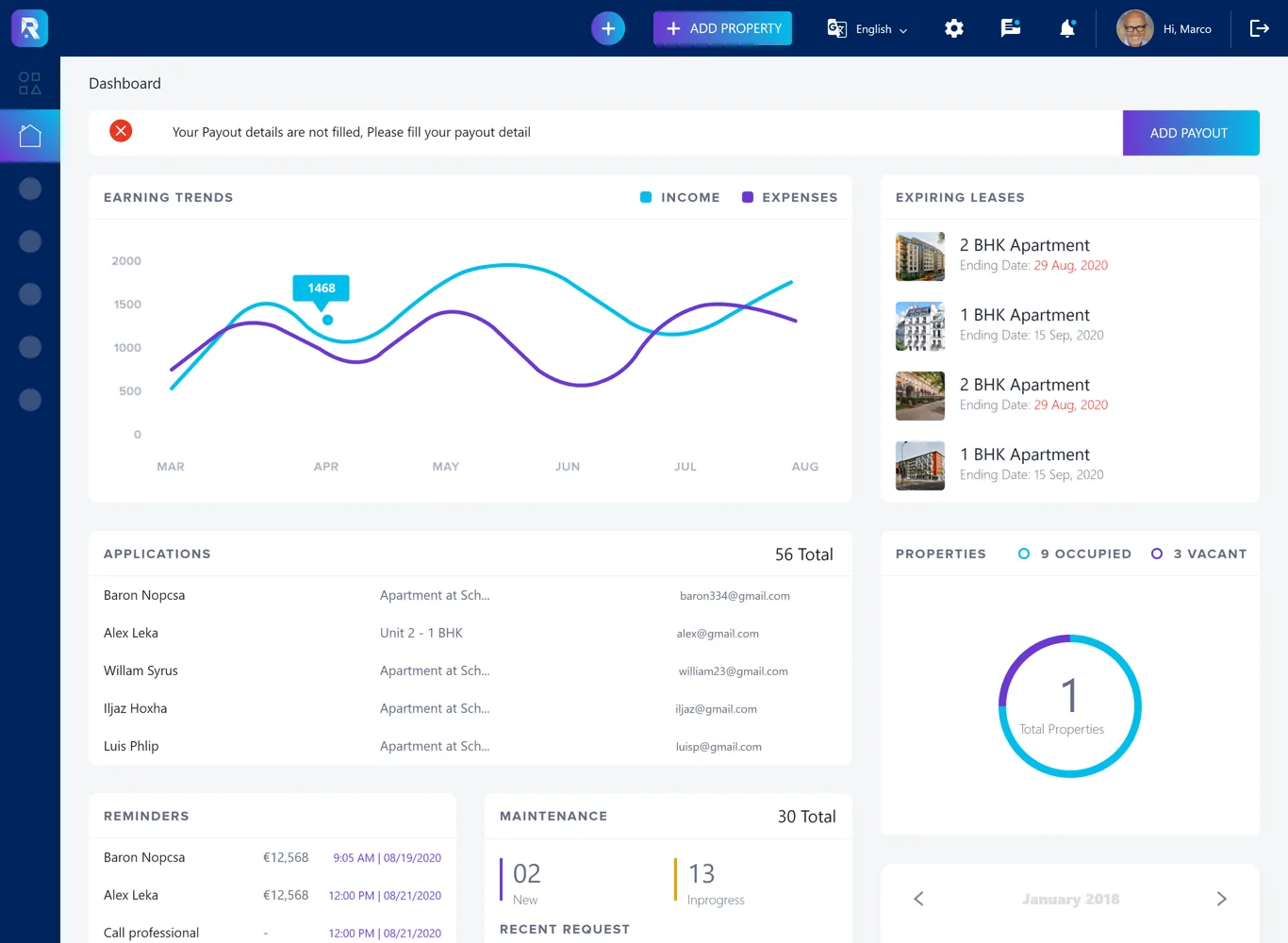
Rentee pulls the entire job onto one surface: properties and units, applications and tenants, leases and agreements, invoices and payments, maintenance requests and the contractors who handle them, and reports over all of it. The dashboard leads with what needs attention next - expiring leases, new applications, open maintenance.
Why does managing rentals resist a generic tool?
Three things make property management its own kind of software. A to-do app cannot hold them: the same record has to serve houses and unit blocks, money and documents are two sides of one tenancy, and repairs pull in an outside party mid-flow.
What does the product actually contain?
The walkthrough follows a property from listing through a tenant moving in to the rent and reporting behind it - single-unit and multi-unit, plus the maintenance and financial surfaces underneath.
How does a property become a running tenancy?
This is the order the platform is built around, and the order is the point: each step creates the record the next one needs, so nothing is entered twice and nothing is left implicit.
- 01
Add the property
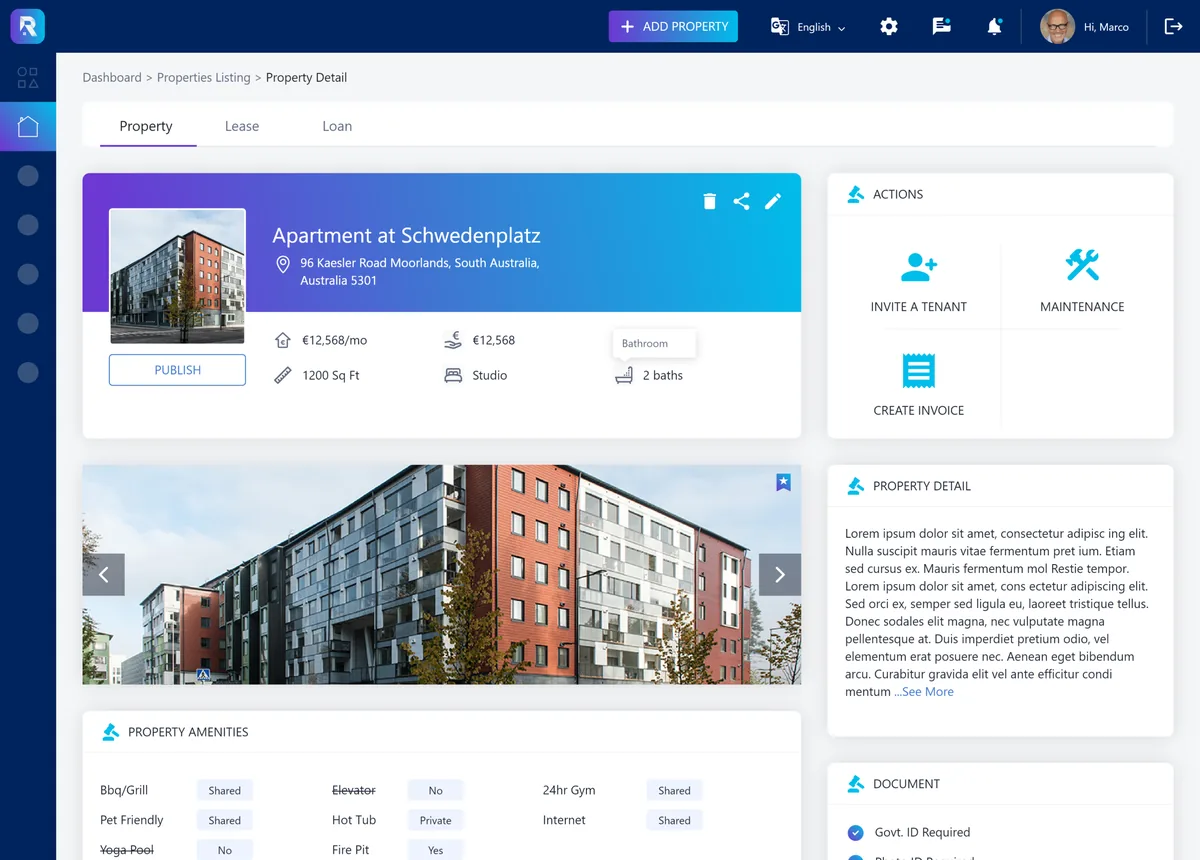
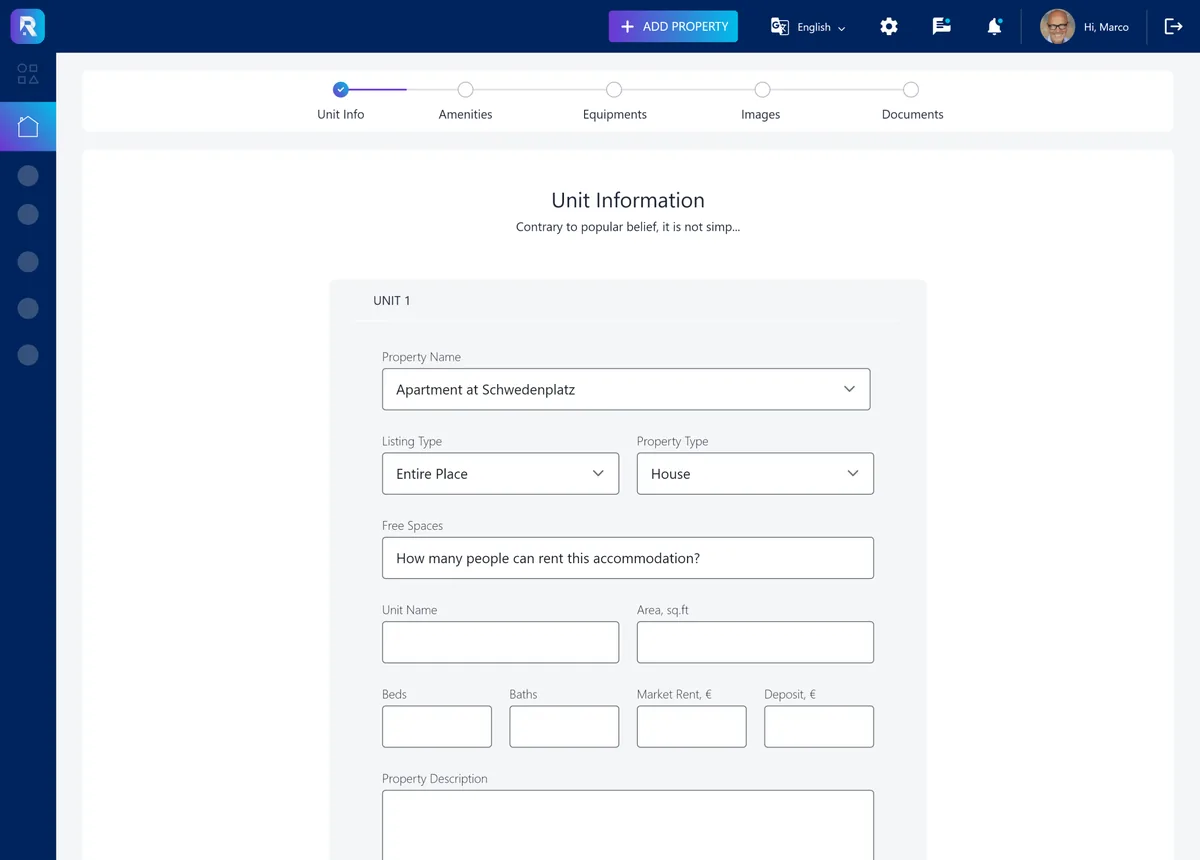
A single let or a multi-unit building is captured through the add-property flow, creating the record everything else hangs off.
Landlord - 02
List it
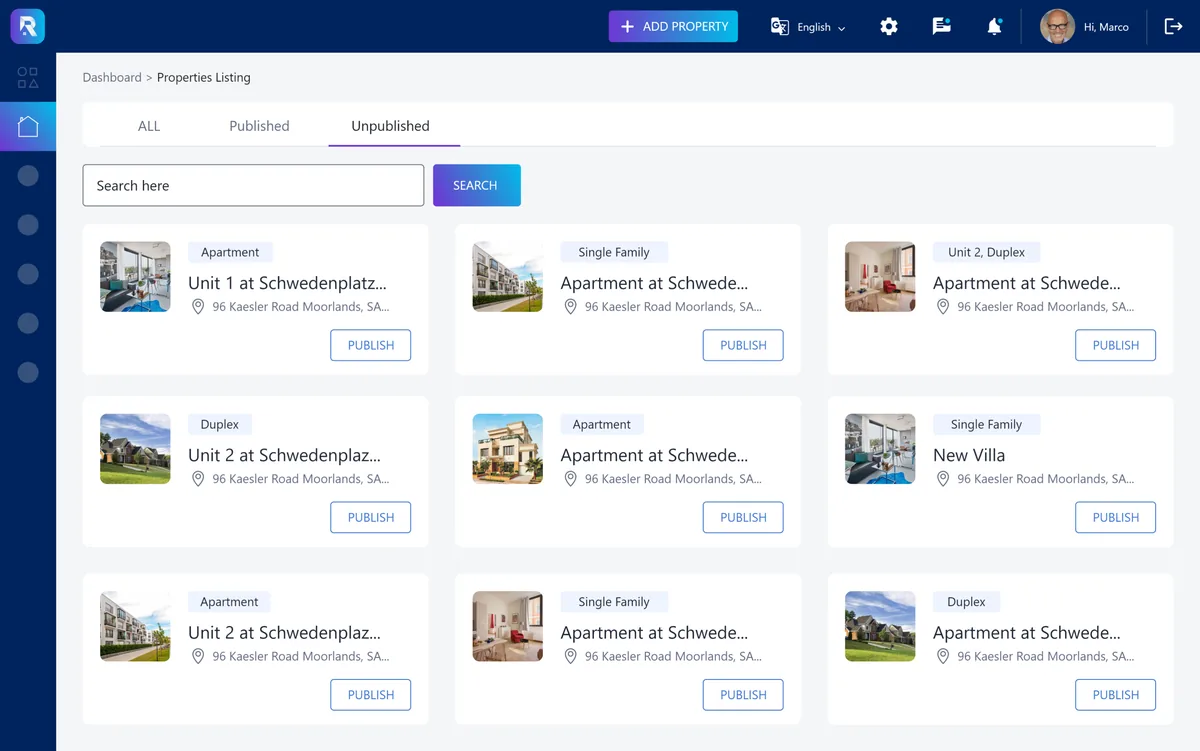
The unit becomes a property listing with photos and detail, ready for applicants to find.
Landlord - 03
Move a tenant in
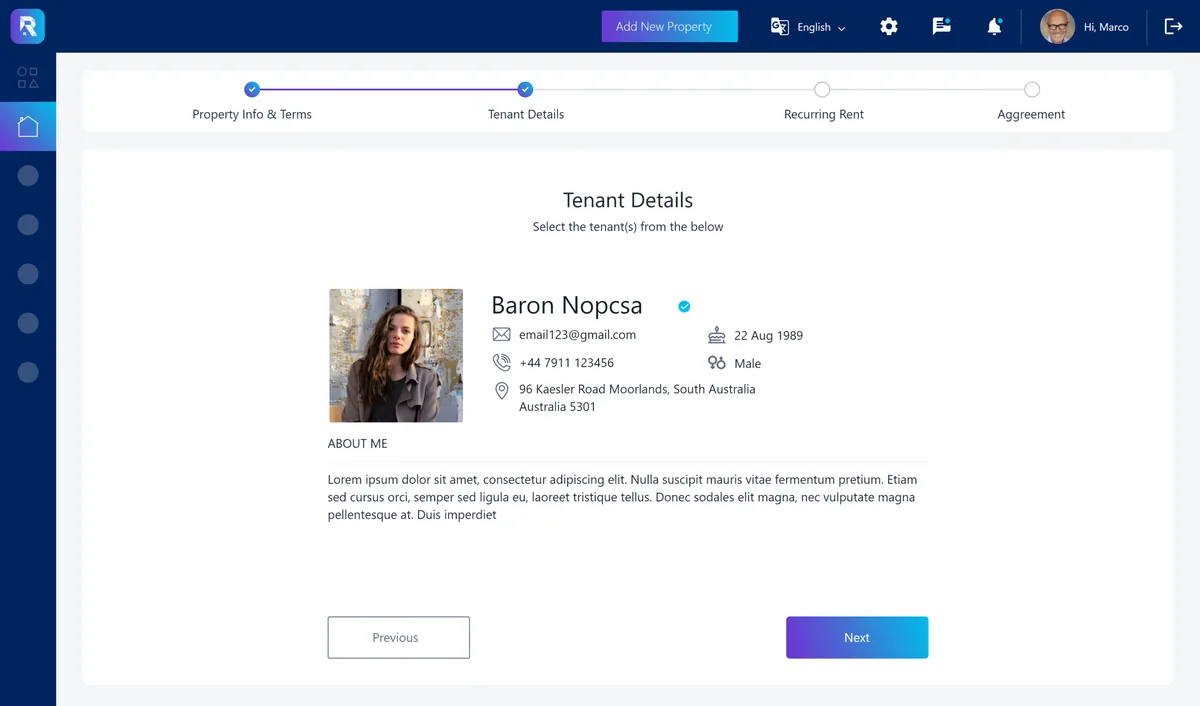
An applicant is moved in, turning a vacancy into a sitting tenancy and opening the lease.
Landlord - 04
Sign the lease
The full lease agreement is raised against the tenant and unit, so the governing document lives on the property.
Tenant - 05
Invoice the rent
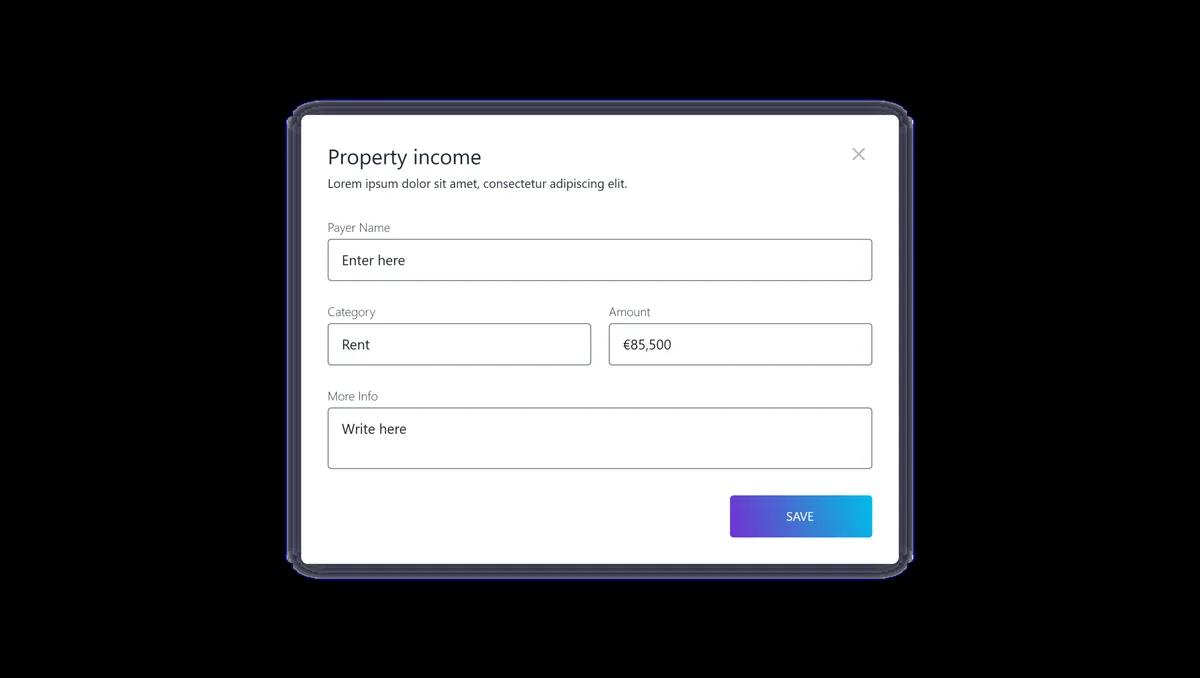
Rent is invoiced - manually or on a schedule - and payments are recorded against the lease.
Landlord - 06
Handle maintenance
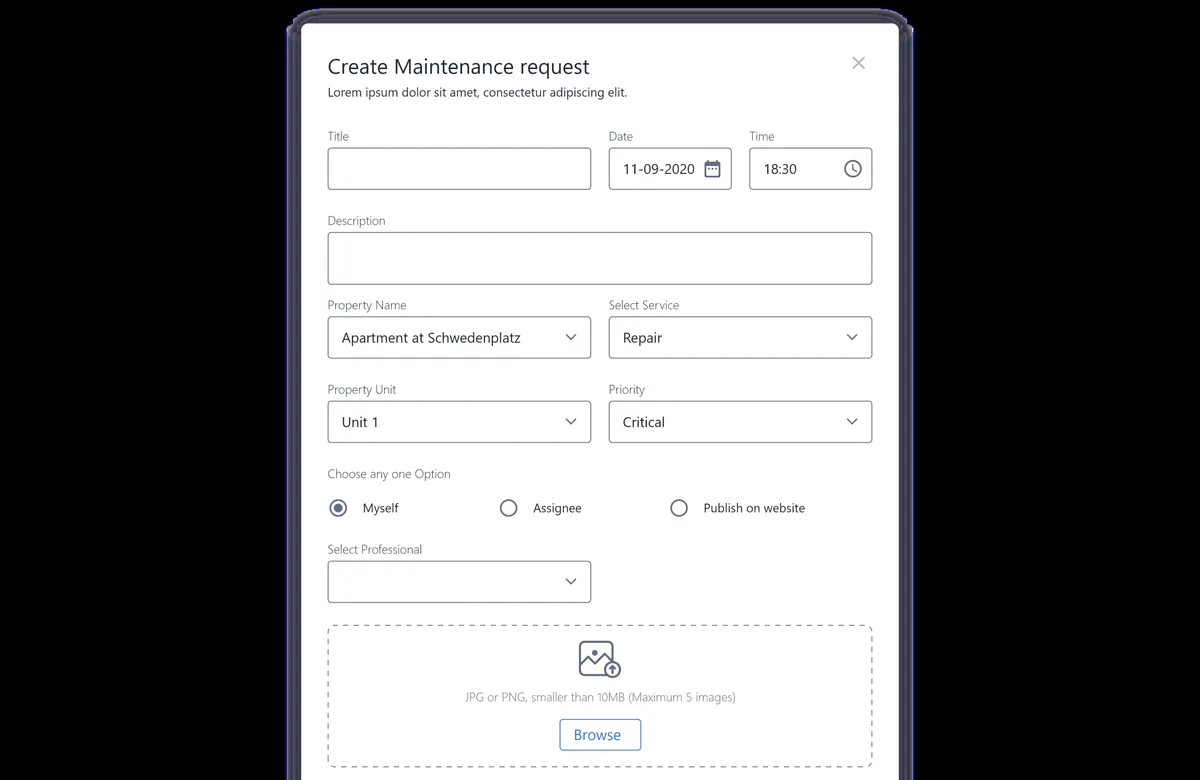
A repair request is raised, assigned to a professional and tracked to a cost, without leaving the tenancy.
Tenant - 07
Report on it
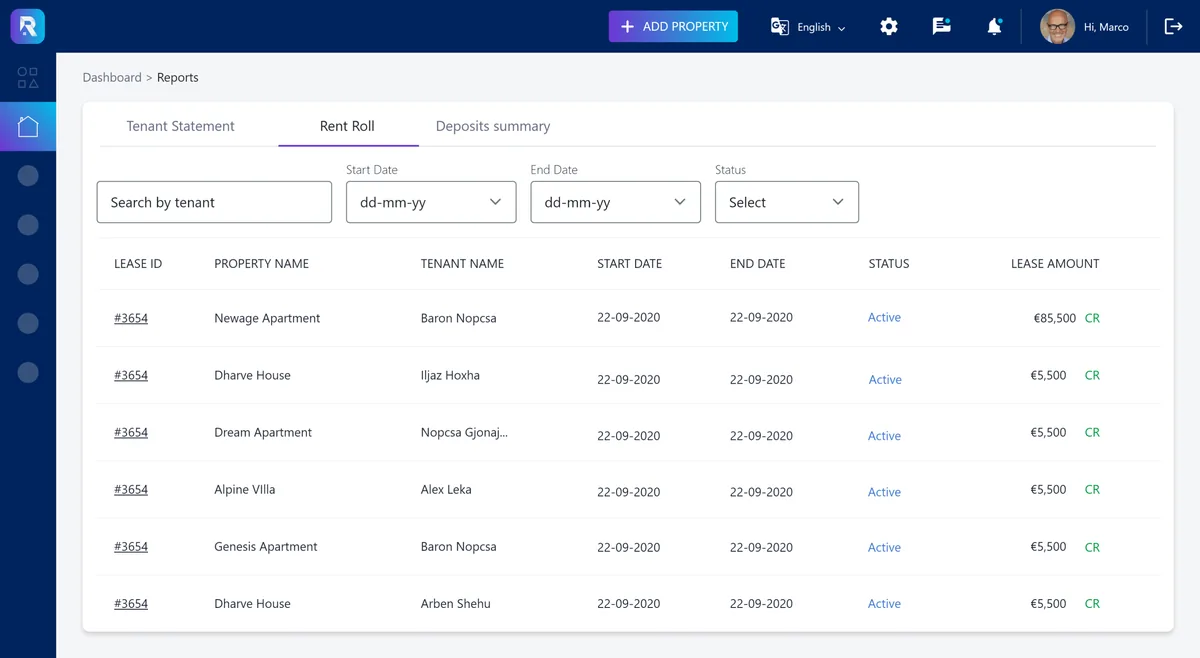
Rent roll, deposits and tenant statements pull the whole portfolio into the figures a landlord needs.
Landlord
Scroll the path sideways
What does a landlord see first?
The dashboard is built around what needs a decision today rather than a wall of totals. Tap a marker to see what each region is for - every one is a place a landlord would otherwise be chasing across four separate apps.
The primary action sits in the header from every screen, because adding a property or unit is the thing a growing landlord does most.
Income against expenses over the year, so the question 'is this portfolio actually making money' is answered on sight rather than reconstructed at tax time.
The leases coming up for renewal, front and centre - the single most missed event in self-managed rentals, surfaced before it lapses.
Prospective tenants who have applied, ready to review and move in, instead of sitting in an inbox alongside everything else.
Occupied against vacant units at a glance, because an empty unit is the most expensive thing a landlord can fail to notice.
Open requests split by new and in-progress, so a repair is a tracked item on the dashboard rather than a message someone forgot to answer.
What does a property management platform actually need?
Six rules came out of building this one, and they hold for any platform that has to run an asset, a document and a payment as one thing.
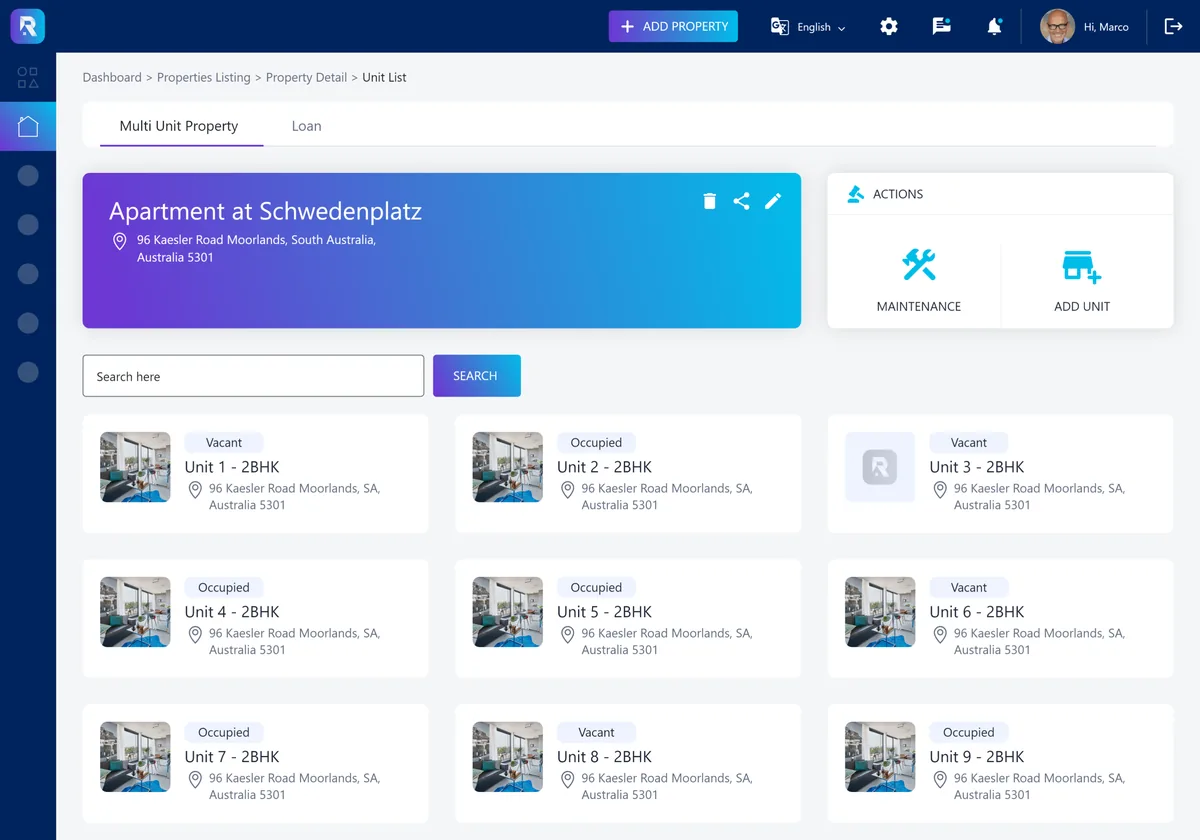
- Model single and multi-unit on one record. Bolting units on as a special case later forces every landlord with a mixed portfolio into two systems.
- Keep the lease next to the rent it sets. A tenancy where the document and the money live in different places is a tenancy that drifts out of agreement.
- Give maintenance its own lifecycle. A repair touches a tenant, a landlord and a contractor; a comment thread cannot track a cost, a stage and an assignee.
- Surface what expires, not just what exists. The dashboard's job is to raise the renewal and the vacancy before they cost money, not to total up what is already known.
- Generate the money, do not re-key it. Invoices, payments, expenses and deposits should flow from the tenancy, so the year-end report is a read, not a rebuild.
- Separate the tenant and contractor views. A tenant reporting a leak and a professional fixing it need different screens over the same ticket.
Building a property management platform
The questions landlords and proptech founders ask us first, answered plainly.
Ask us yoursHow long does it take to build a property management platform?
A first release at this scope - properties and units, tenants, leases, rent, maintenance and reporting - is a matter of months rather than weeks. The financial and reporting side usually takes longer than the property screens, because invoices, payments and statements have to reconcile. We phase it so single-unit management ships before multi-unit and the full reporting suite.
Does it handle both single and multi-unit properties?
Yes, and that is a core design decision. A single let and a multi-unit building share one property record, with a unit layer that only appears when a building actually has units. That lets a landlord hold a house and a block of flats in the same portfolio without treating one as a workaround for the other.
Can tenants and contractors use it too?
The platform is modelled around three roles - landlord, tenant and professional. Maintenance is the clearest example: a tenant raises a request, the landlord assigns it, and a professional carries it out, each seeing the part of the ticket that concerns them. The landlord dashboard is the hub, with fenced surfaces for the other two.
How much does a platform like this cost?
It depends on scope, and a feature list alone is not enough to quote honestly. The biggest drivers are whether multi-unit and full financial reporting are in scope, how much of the rent workflow is automated, and how many integrations - payments, e-signature - are required. Shanti Infosoft scopes it on a short call and returns a fixed quote within 48 hours.
Does it do the accounting, or replace my accountant?
It does the property side of the money - invoices, payments, expenses, deposits and reports like rent roll and tenant statements - and hands clean figures to whatever accounting your business already uses. It is built to make the year-end conversation shorter, not to replace a bookkeeper.
Related work
Running rentals across four different apps?
Tell us how your business actually works and we will tell you honestly what it takes to build. See more of our work or what we do.
Book a 15-minute call